Concentrates
Description
The Concentrates section enables farmers to define and manage the quantity of concentrates provided to cows. This feature assists in optimizing feeding strategies and calculating feed costs. Concentrates are typically fed to cows during milking in the milking parlor.
Key Fields
- Pen: Specifies the group of cows receiving the concentrate.
- Ingredient: The type of concentrate being provided.
- Amount Fresh: The fresh weight of the concentrate provided.
- Amount Dry: The dry weight of the concentrate calculated based on the dry matter percentage.
- Dry Matter (%): The percentage of dry matter in the concentrate.
- Total/Per Cow: Option to specify if the feed quantity is for the entire pen or per individual cow.
Use Case Examples
- Adding a Concentrate Feed Plan:
- Click New.
- Select the pen and ingredient (concentrate) from the dropdown menus.
- Enter the amount of feed in the fields for Amount Fresh, Amount Dry, and Dry Matter (%).
- Choose whether the quantity is defined Per Cow or as a Total.
- Click Save to add the concentrate feed plan.
- Editing an Existing Plan:
- Select a concentrate feed plan from the list.
- Update the pen, ingredient, or feed quantities as required.
- Save the changes by clicking Save.
- Deleting a Plan:
- Select the concentrate feed plan you wish to remove.
- Click Delete and confirm the action.
Benefits
- Cost Optimisation: Helps in calculating concentrate costs accurately based on feed quantities.
- Feed Efficiency: Ensures cows receive the correct amount of concentrate during milking.
- Customizable Feeding: Supports individual or group-based feeding strategies.
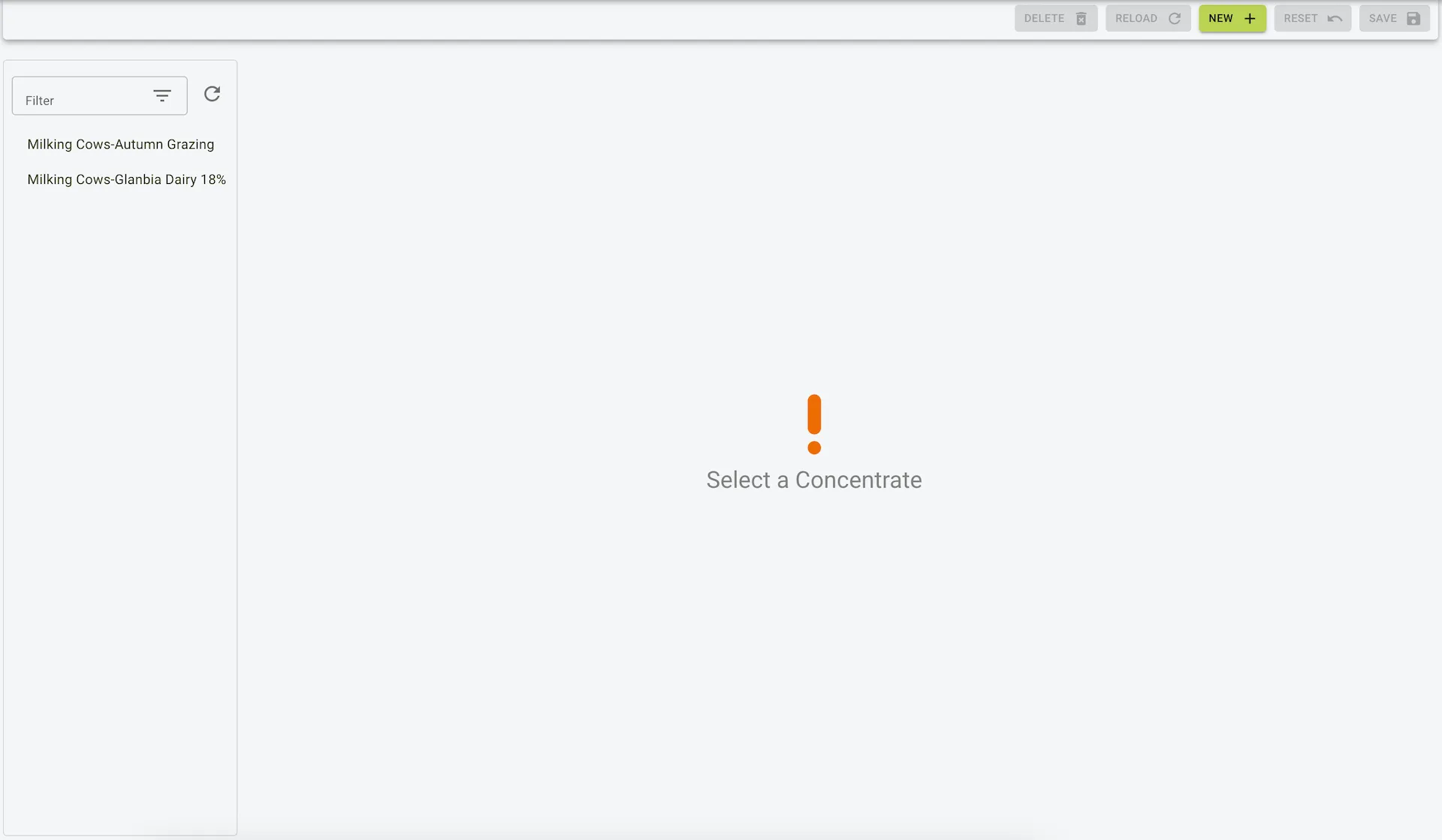
Example view of the concentrates page
Adding a concentrate
To add a concentrate:
- Click the
Newbutton on the toolbar. - Enter the concentrate details.
- Click the
Savebutton on the toolbar to save the concentrate.
Example view of the new concentrate form

Editing a concentrate
To edit a concentrate:
- Click the
Concentrateyou would like to edit from the side menu. - Update the concentrate details.
- Click the
Savebutton on the toolbar to save the changes.
Example view of the edit concentrate form

Deleting a concentrate
To delete a concentrate:
- Click the
Concentrateyou would like to delete from the side menu. - Click the
Deletebutton on the toolbar. - Confirm the deletion in the dialog that pops up.
Example view of the delete concentrate dialog