Customers
Description
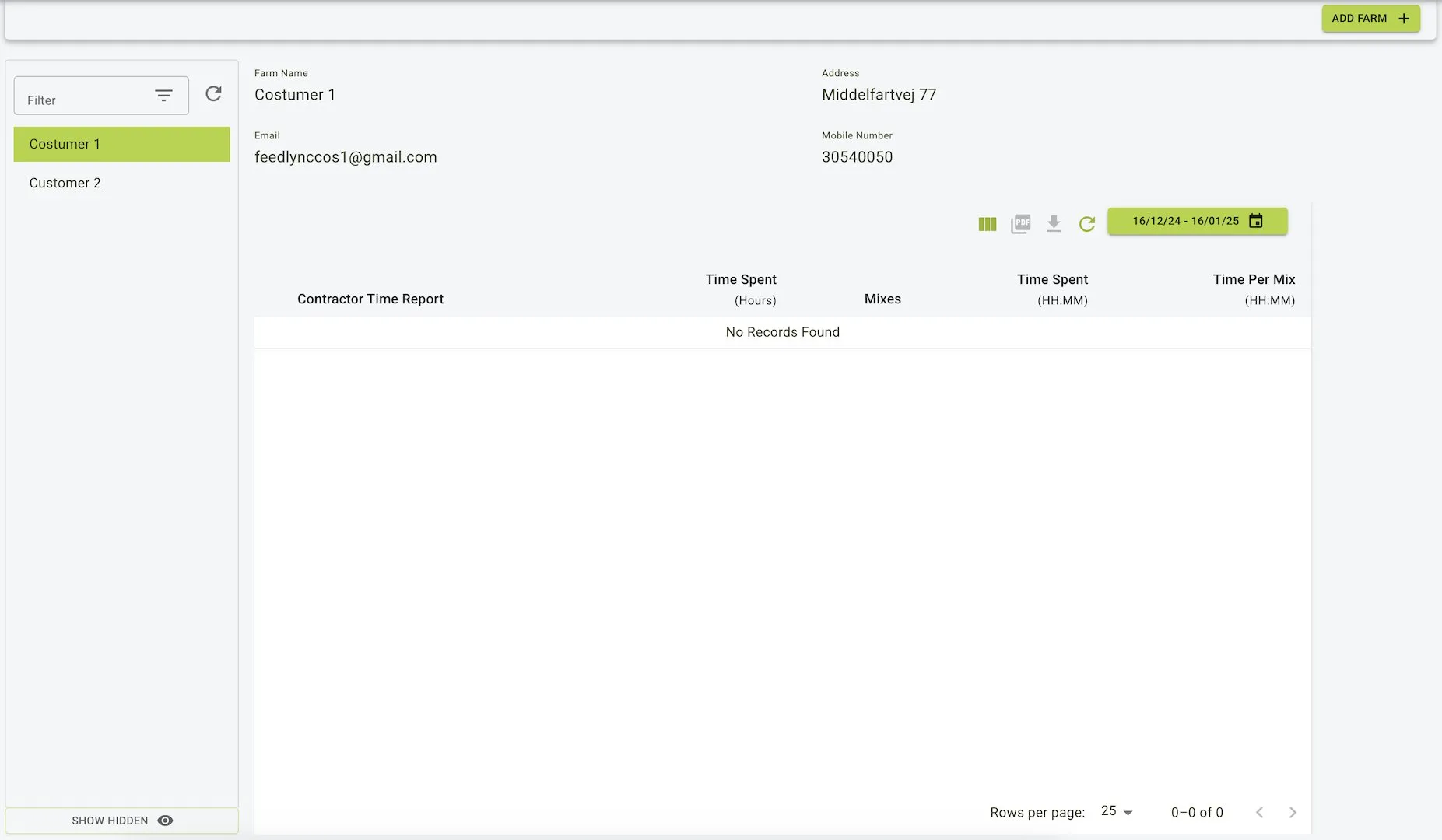
The Customers page is where you can view and manage the customers.
Features
-
Core information about the customer can be viewed here. This includes the Contractor Time Report where you can view the time report of the customer.
-
This table includes:
- Contractor Time Report
- Time Spent (Hours)
- Mixes
- Time Spent (HH:MM)
- Time Per Mix (HH:MM)
-
Add Farm: Add a new farm to the Contractor farm.
- Pop up displays a form to add a new farm.
- Fields include:
- Farm Name: Name of the farm, this is a required field.
- Email: Email of the farm, this is a required field.
- Mobile Number: Phone number of the farm, this is a required field.
- Address: Address of the farm, this is a required field.
- City: City of the farm, this is a required field.
- Country: Country of the farm, this is a required field and also pre-populates with the Contractors farm Country.
- Timezone: Timezone of the farm, this is a required field and is also pre-populated with the Contractors farm Timezone.
- Currency: Currency of the farm, this is a required field and is also pre-populated with the Contractors farm Currency.
- Unit System: Unit system of the farm, this is a required field and is also pre-populated with the Contractors farm Unit System.
Example view of the customers page
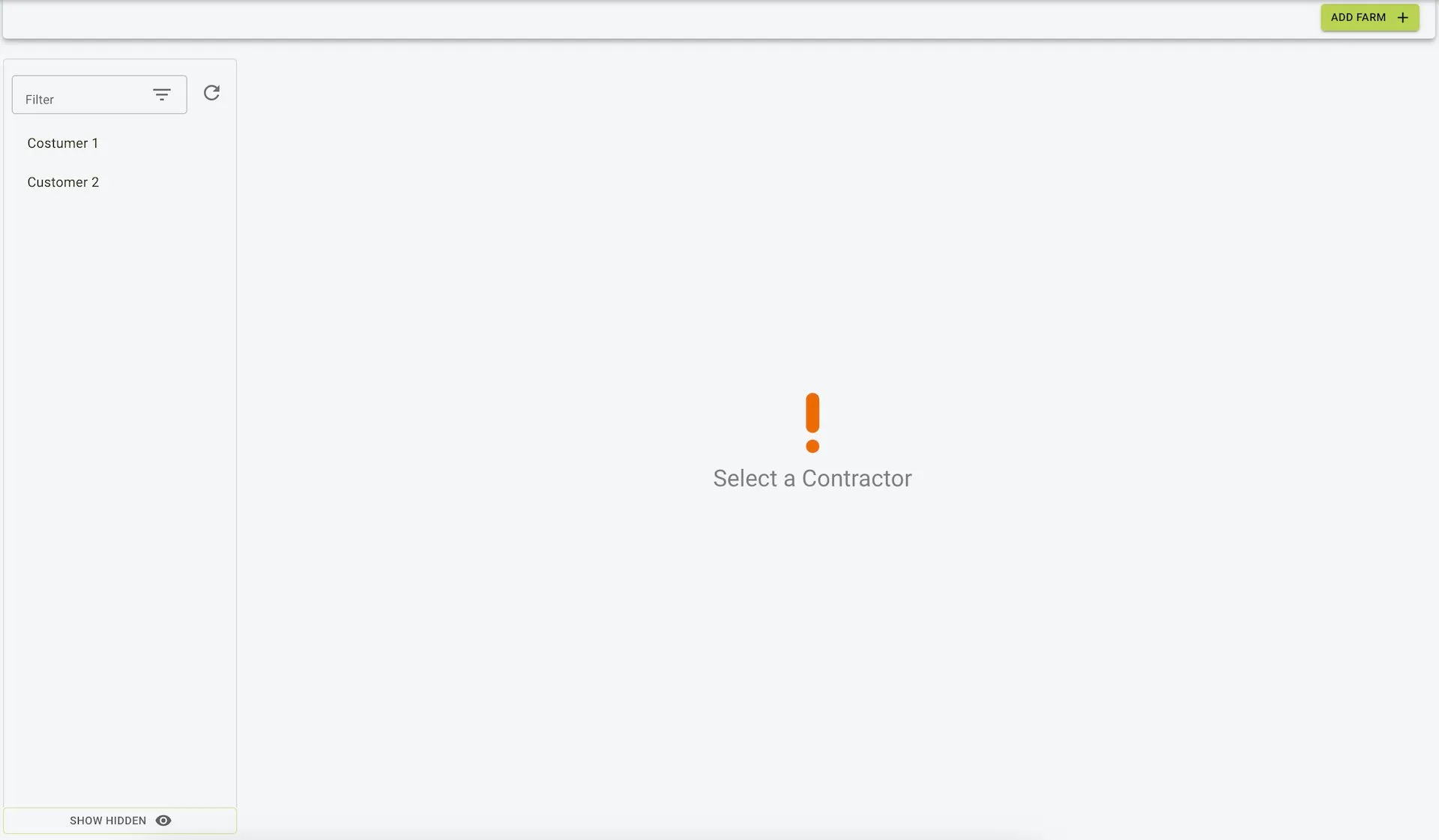
Example view of selected customer