

Drivers
Description
The Drivers page is where you can view and manage the drivers. You can add, edit, and delete drivers as needed.
Features
- Core information about the driver can be edited here.
- Fields include:
- Name: Driver name.
Drivers page view
This page displays a list of all drivers in the system. From here, you can add new drivers, edit existing ones, or delete drivers that are no longer needed.
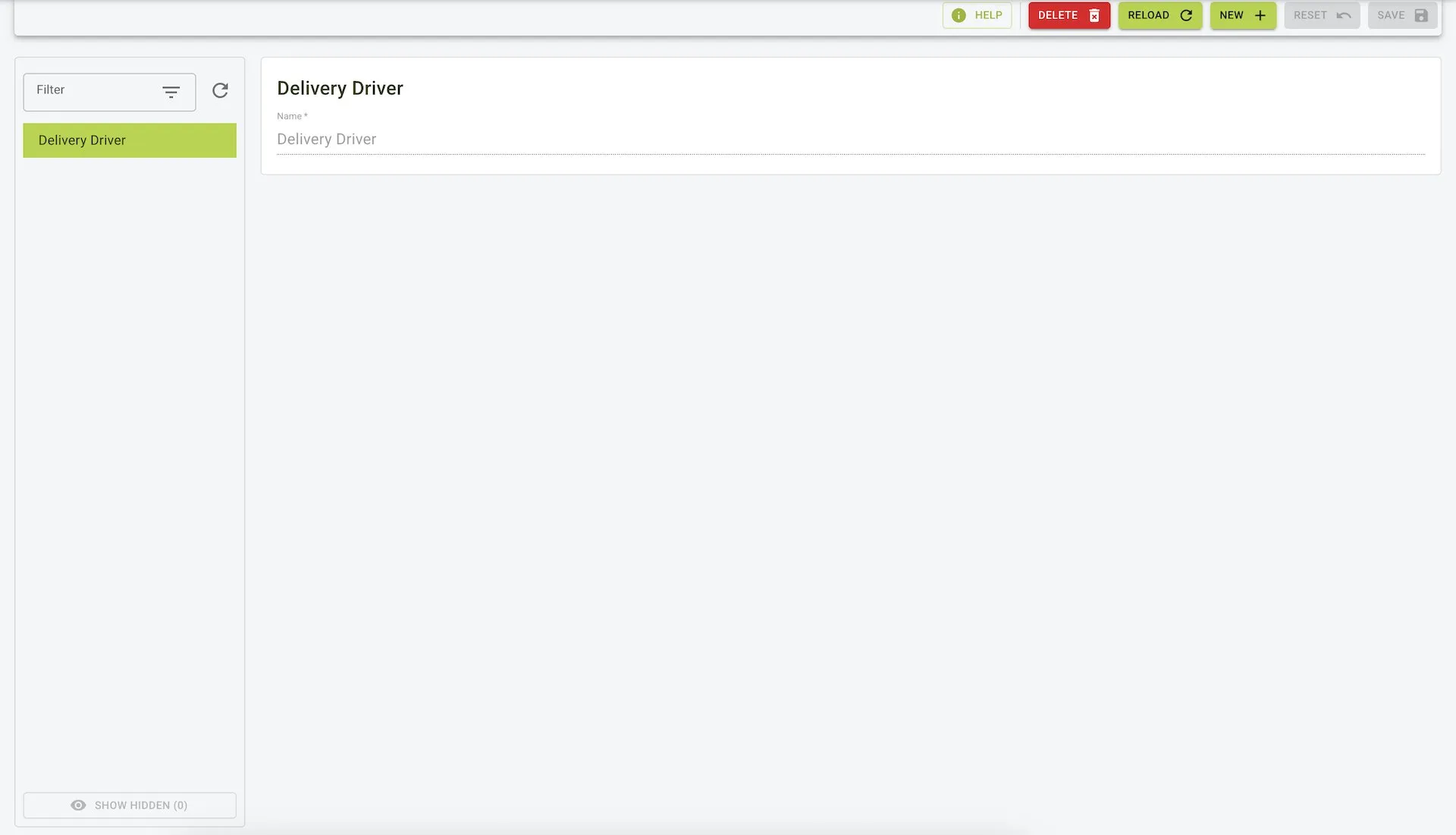 This view shows a list of drivers with their name and options to edit or delete each driver.
New Driver form
To add a new driver, click the New button on the Drivers page. This will open a form where you can enter the driver’s name to add them to the system.
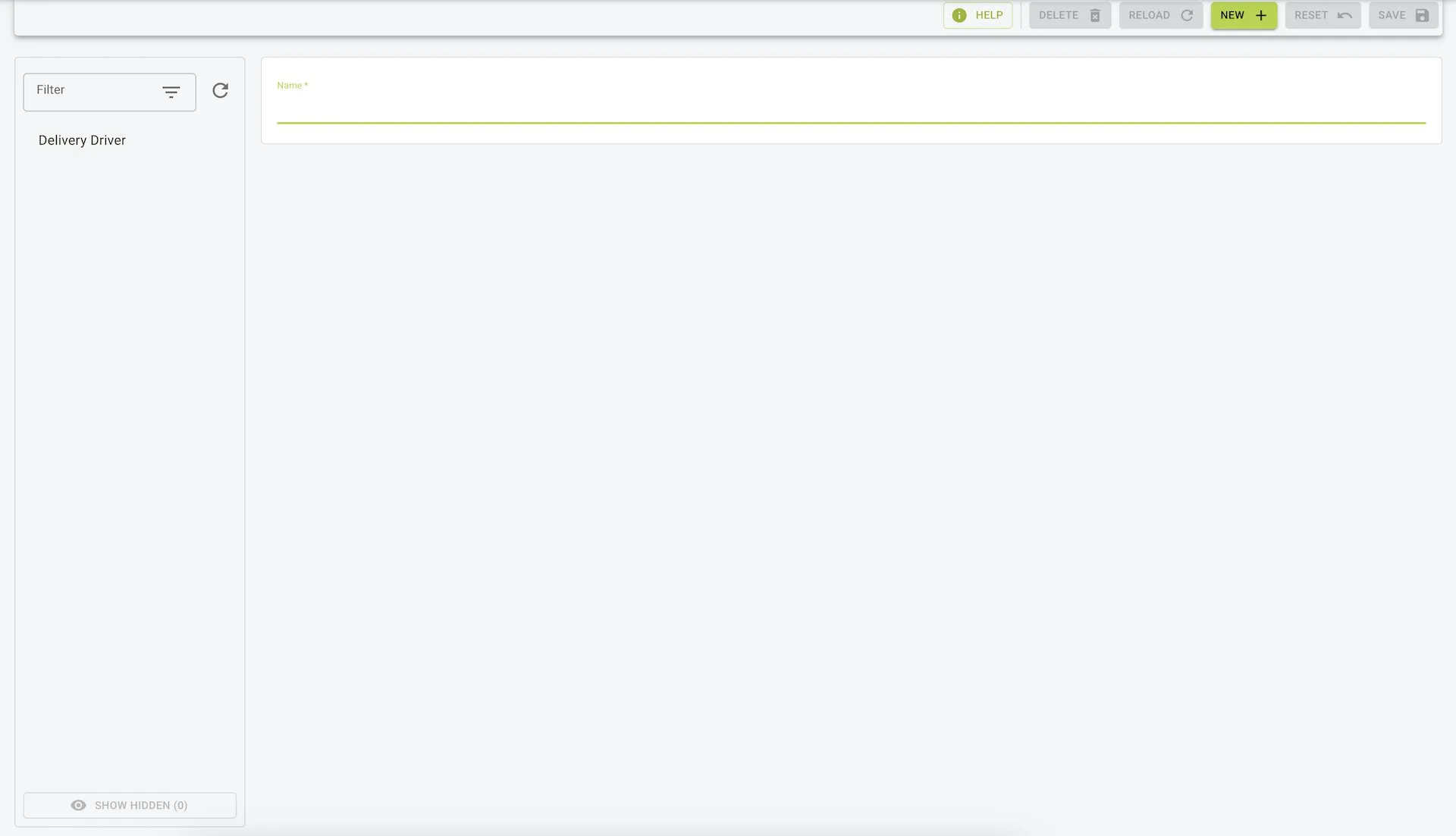 This view shows the form to add a new driver with a field for the driver’s name.