

Gateways
Overview
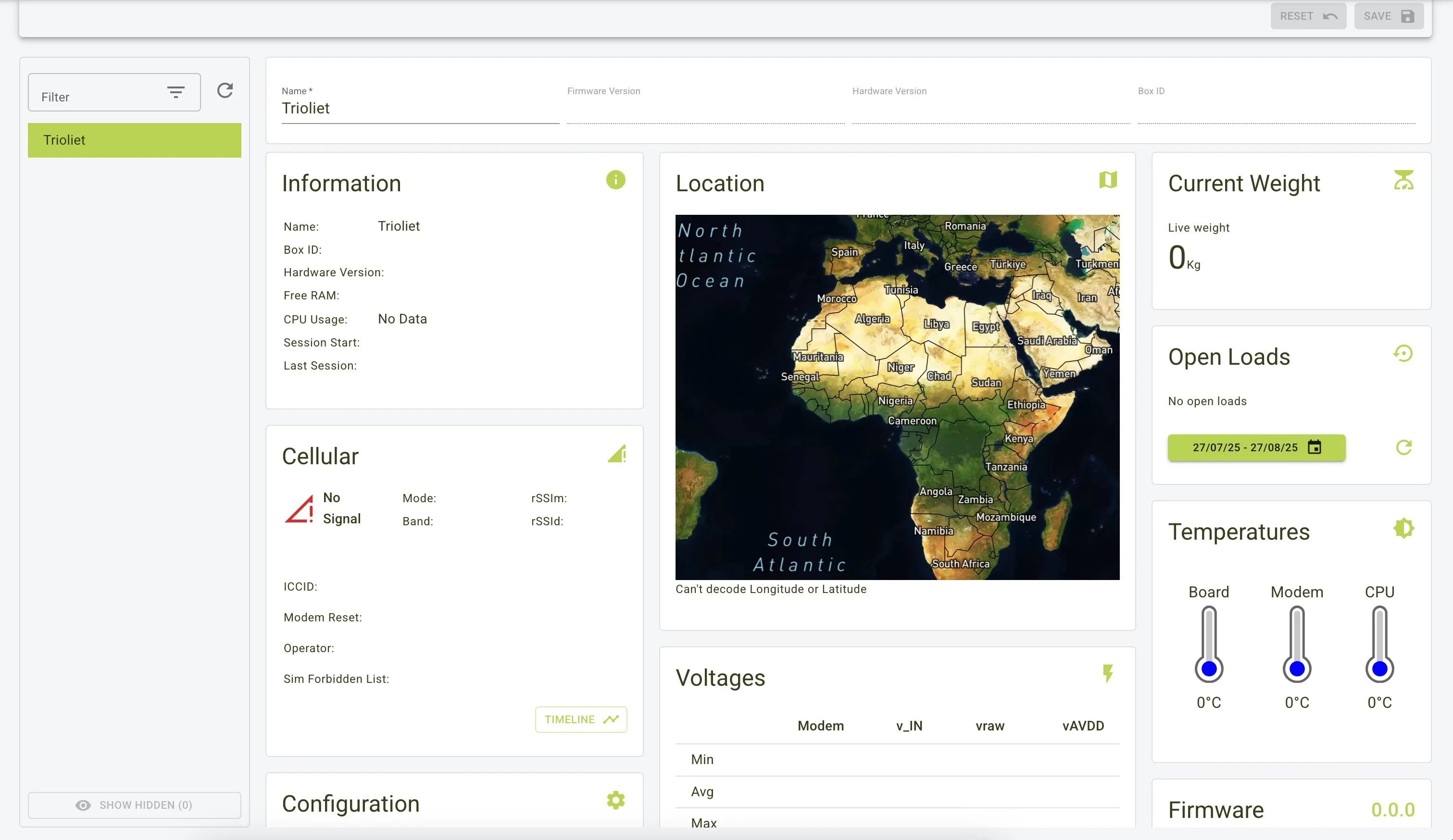
The Gateway Page monitors and manages hardware gateways on the mixer wagon, surfacing system specs, connectivity, location, live weights, temperatures, voltages, and firmware status through dashboard panels for quick health and troubleshooting checks.
Features
- Gateway list: Sidebar navigation across all connected gateways.
- Panels: Basic/System Info, Cellular, Location, Operational status (weights, loads), System health (temperatures, voltages, power), Firmware/Device Type/Wireless, Pending Updates, Configuration.
- Actions: Save changes, Reset to original values, and Timeline to review history.
Gateway Panels
Basic and System Info
-
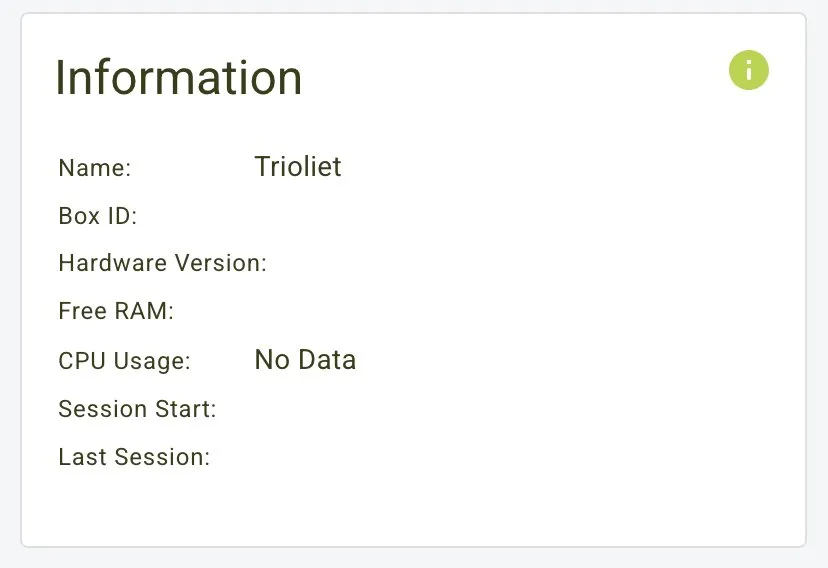
Name, firmware version, hardware version, and Box ID.

-
RAM/CPU usage plus session start and last session timestamps.
Location, Firmware, Wireless
-
Map location with coordinates when available.

-
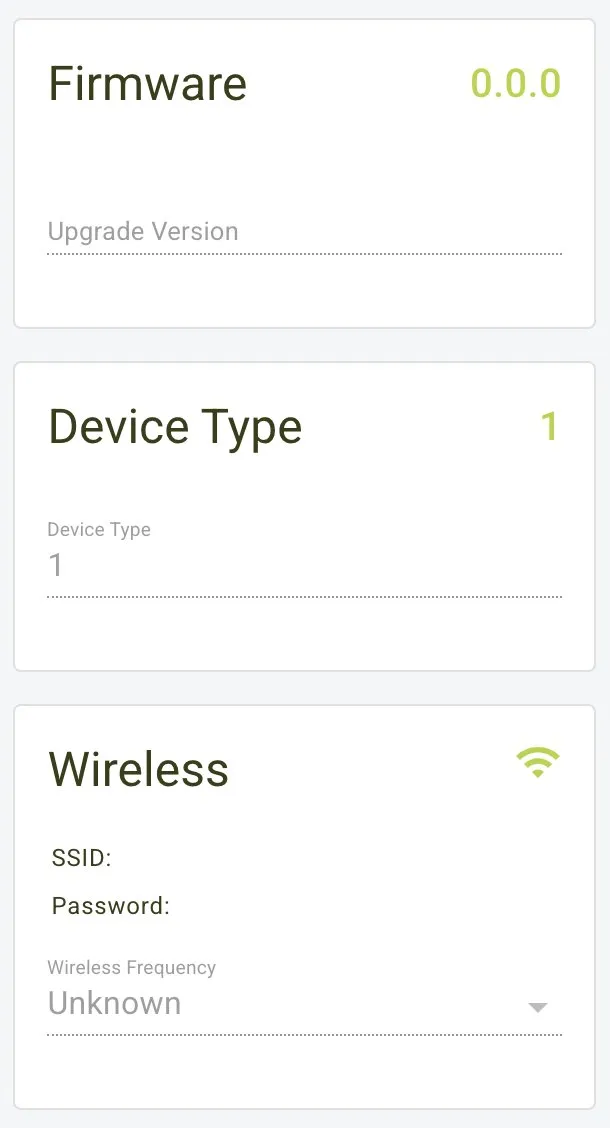
Firmware version, device type, and wireless details.
Operational Status
-
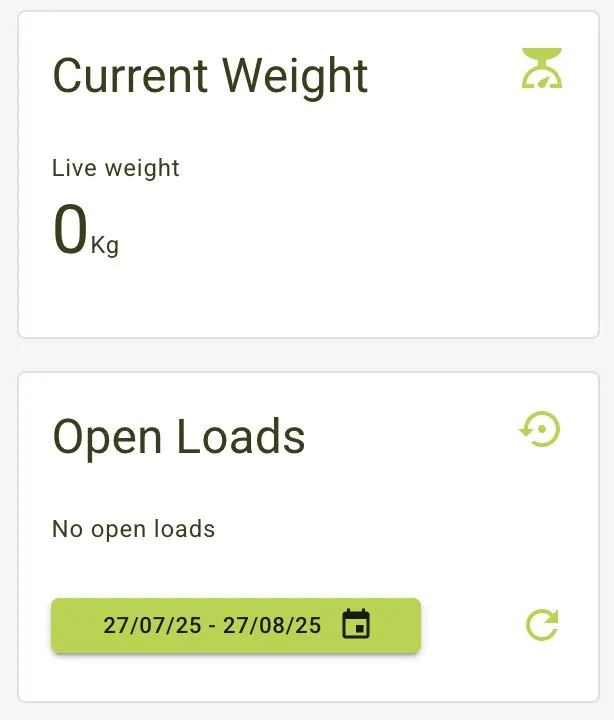
Current weight readings and open loads with date range selection.
-
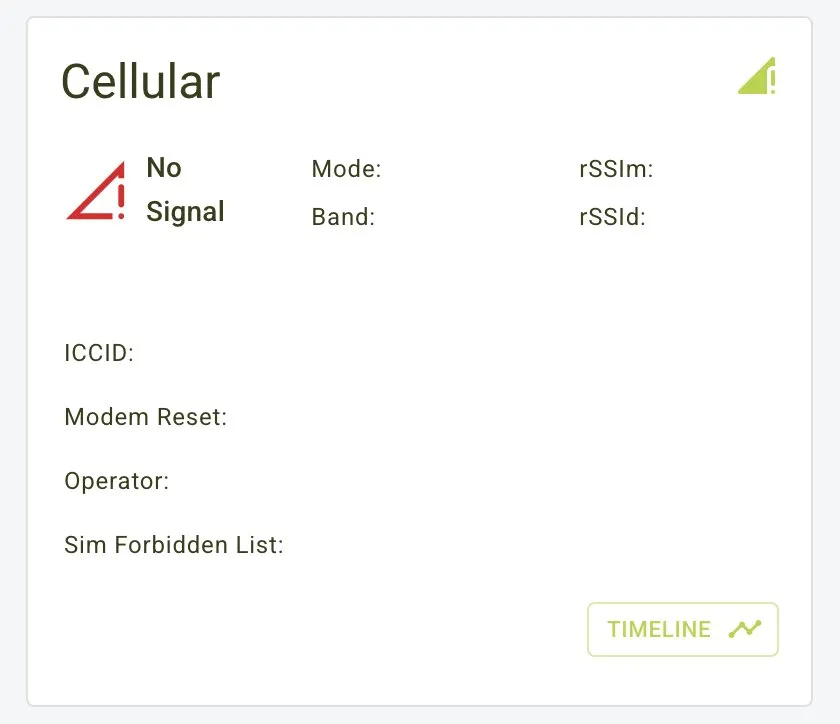
Cellular signal, mode/band, ICCID, operator, and modem details.
-
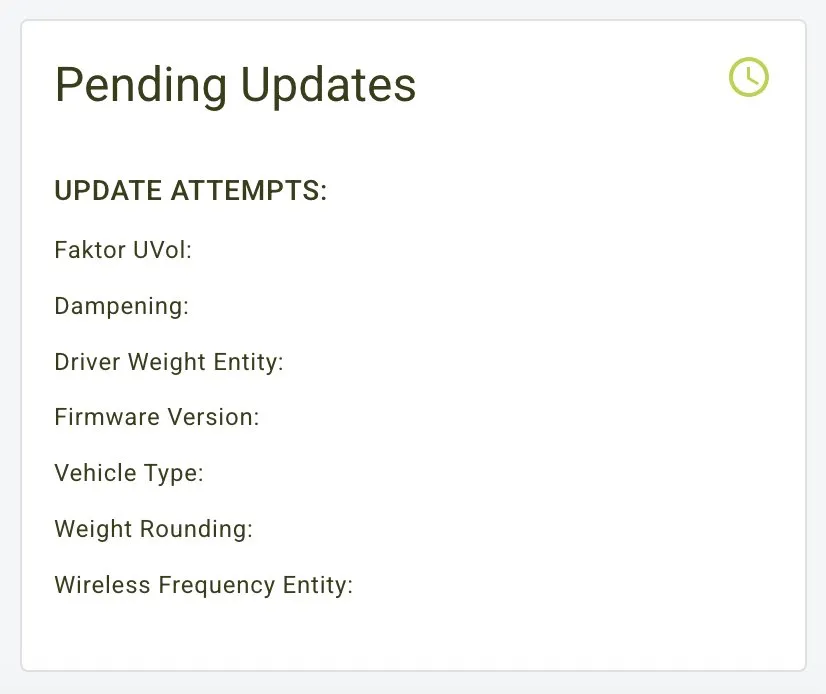
Pending updates (e.g., dampening, firmware, wireless frequency).
System Health
-
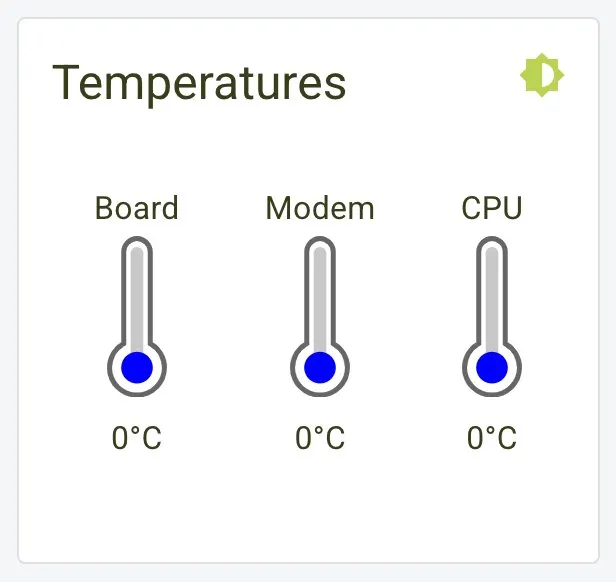
Temperatures for board, modem, and CPU.
-
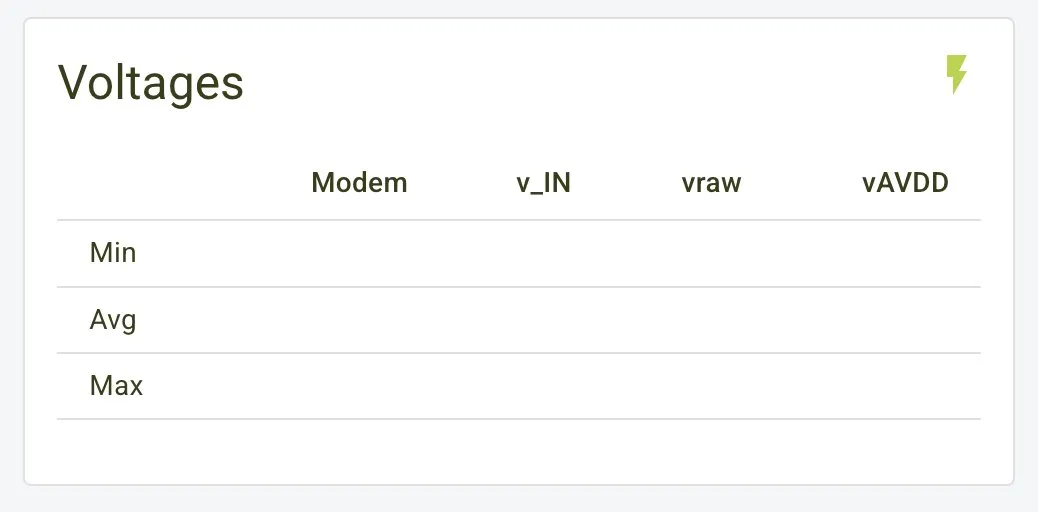
Voltages (modem, V_IN, vraw, vAVDD) with min/avg/max values.
-
Power loss events.

-
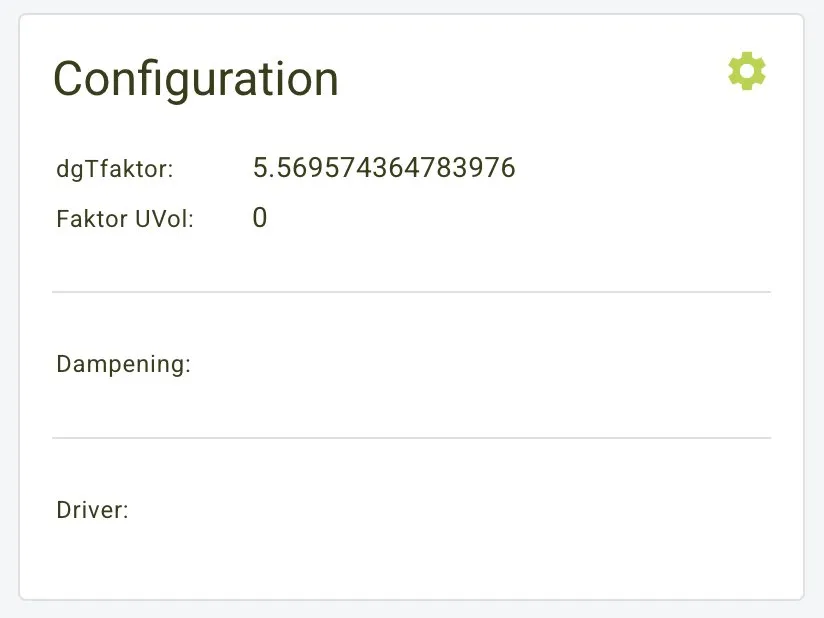
Configuration settings.
Full Dashboard
Use Cases
-
Monitoring and troubleshooting:
- Track firmware/hardware versions and cellular status.
- Watch temperatures and voltages for system health.
- Verify location and session data when contacting support.
- Follow current weights and open loads in real time.
-
Updates and history:
- Check pending updates and firmware state.
- Review timeline/history for gateway activity.
- Confirm wireless and device type details after changes.