Pens
Description
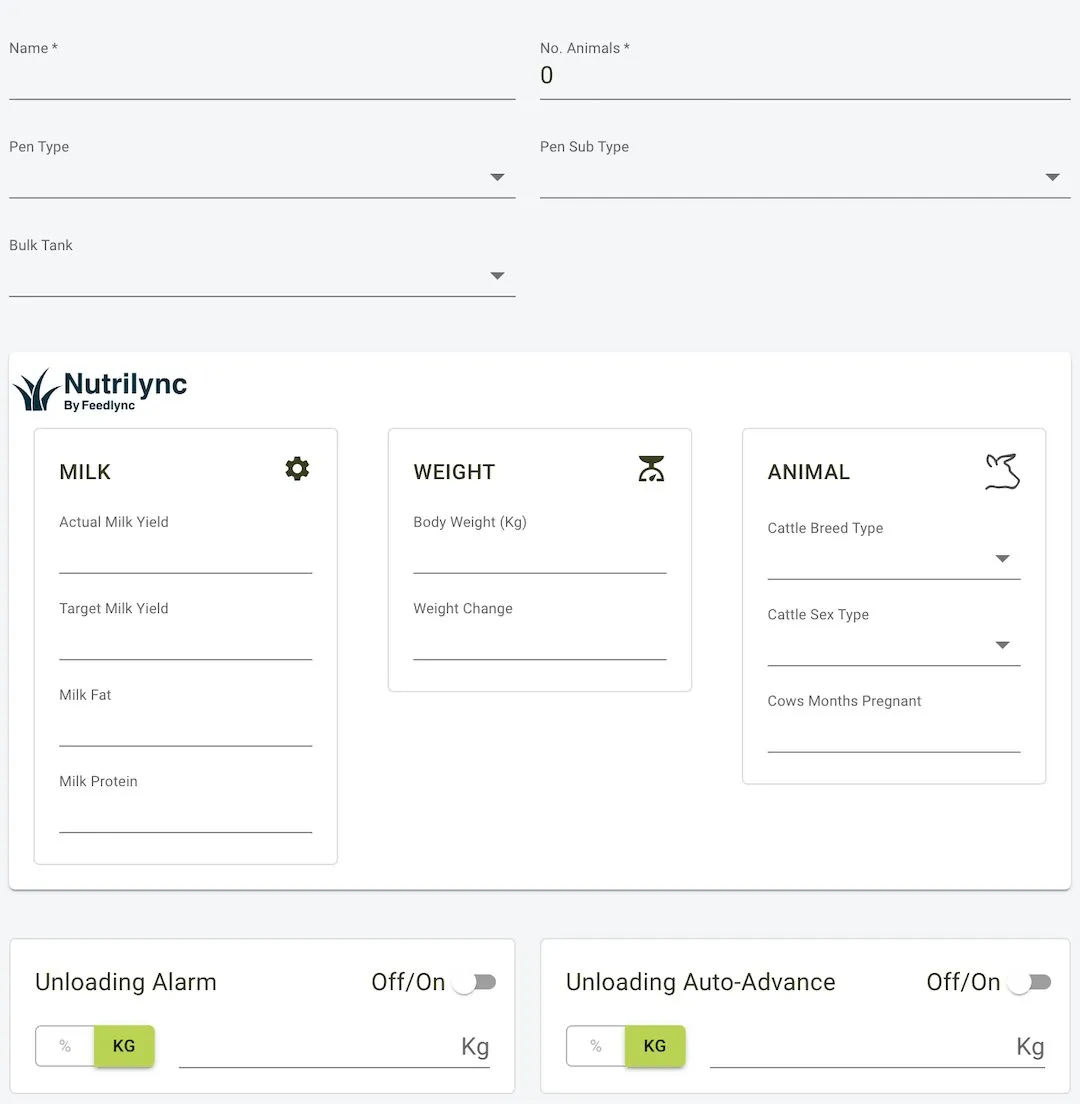
The Pens section in the Feed Management module allows users to create, edit, and manage pens. This section is essential for associating pens with specific details such as bulk tanks, pen types, and unloading configurations. It ensures that feed and livestock management processes are tailored to each pen’s unique requirements.
Features and Fields
Pen Details
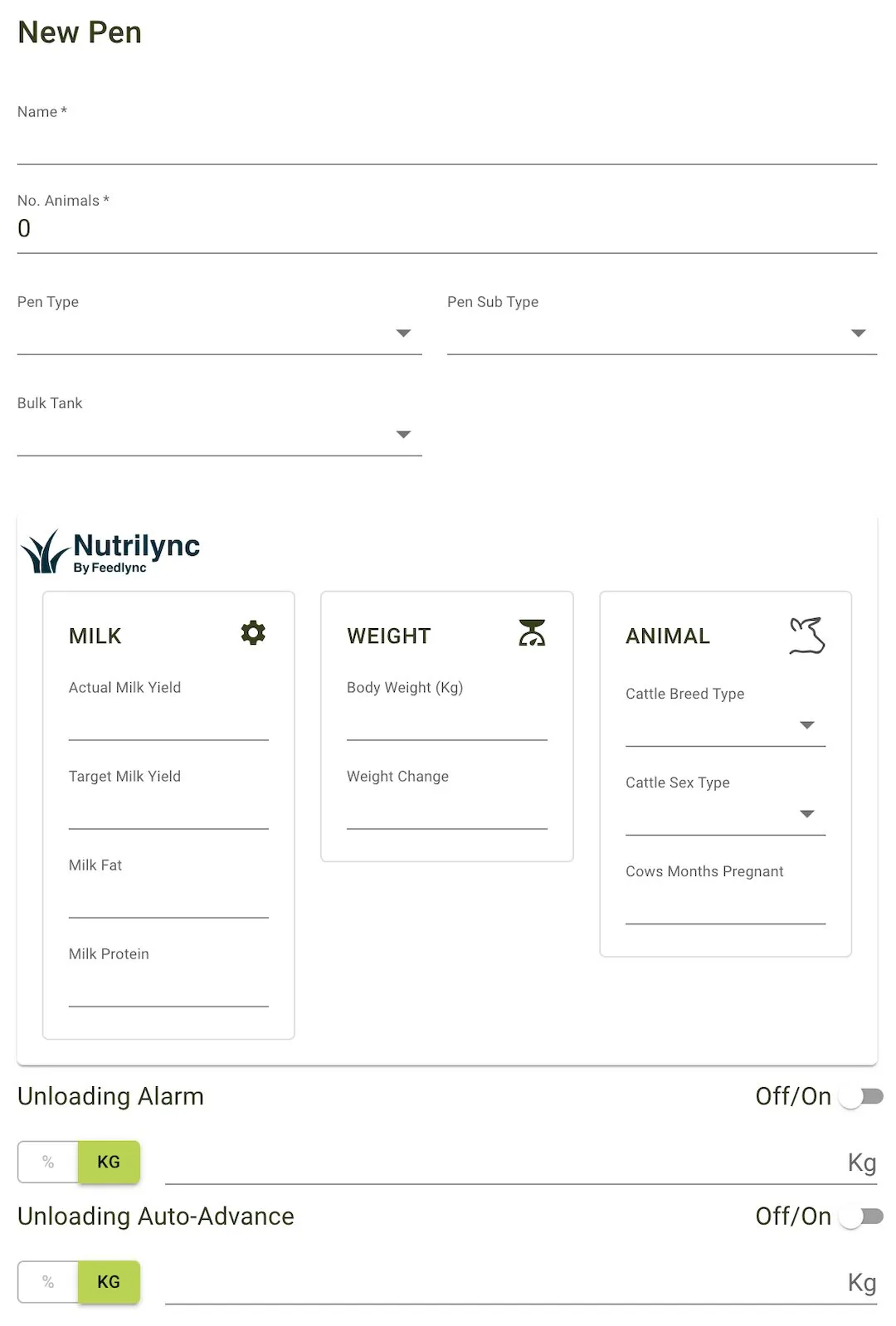
- Name: The name of the pen.
- Number of Animals: The total number of animals in the pen.
- Pen Type: Defines the type of pen (e.g., Milker, Young Stock).
- Pen Sub-Type: A sub-category under the pen type (e.g., High, Fresh).
- Location: The farm or area where the pen is located.
- Bulk Tank: The bulk tank associated with the pen.
Unloading Configurations
- Unloading Alarm: Set an alarm to trigger when a specific unloading threshold (in percentage or kg) is reached.
- Unloading Auto-Advance: Automatically advances to the next pen once the unloading threshold is met.
Feature Views
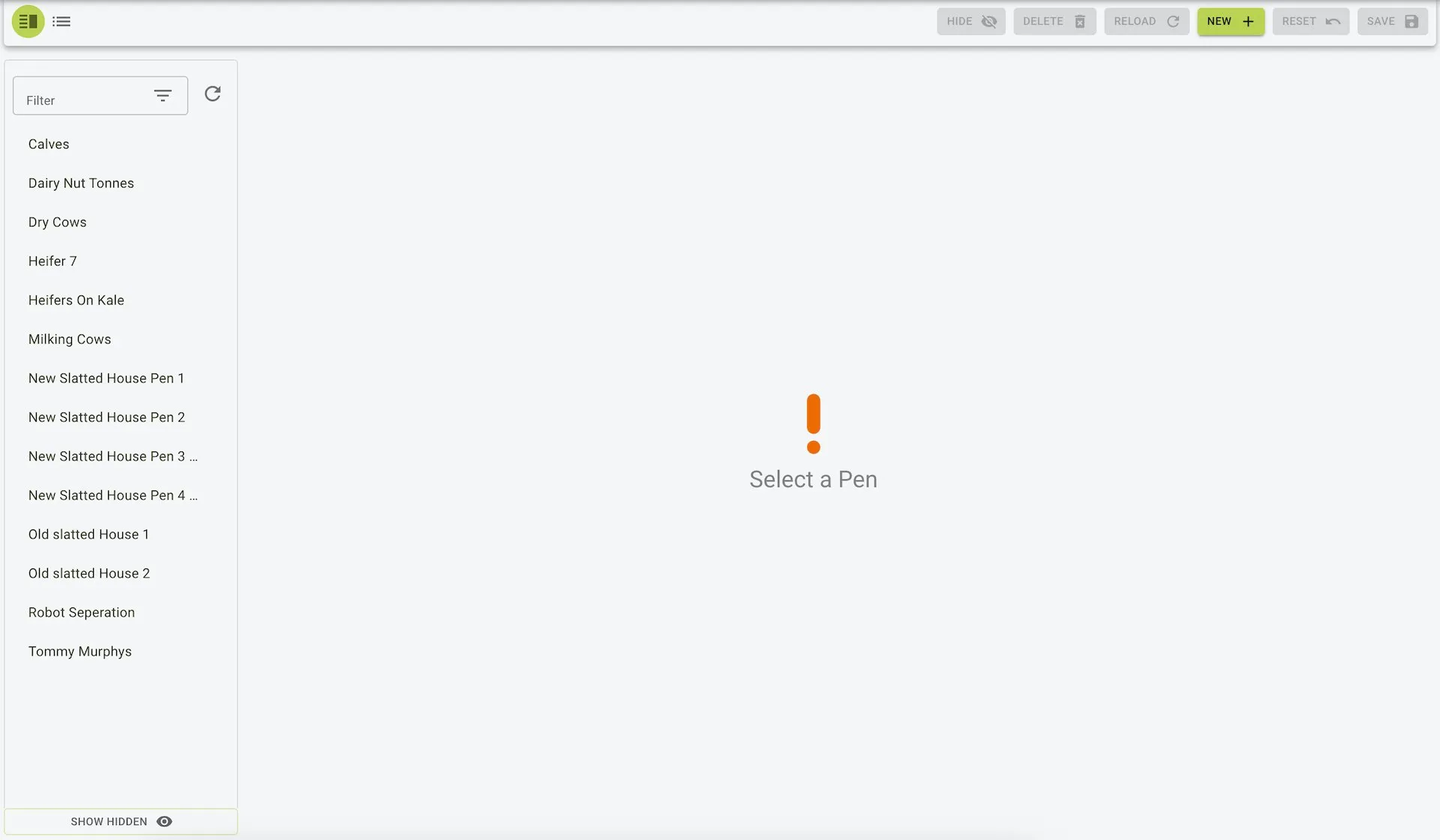
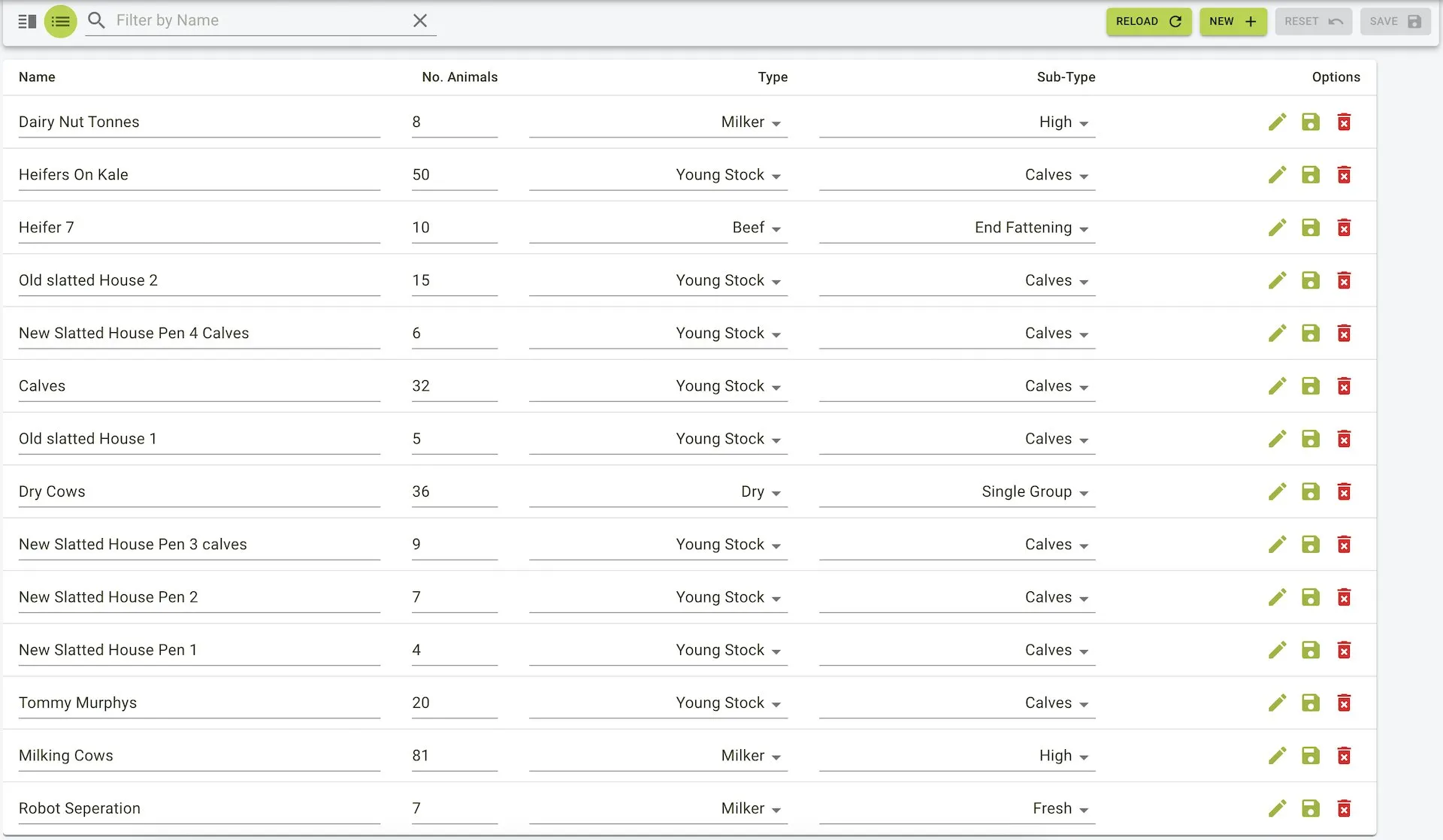
There are two views for managing pens in Feedlync: Menu view and List view.
Common Operations
Adding a Pen
To add a pen:
- Click the
Newbutton on the toolbar. - Enter the pen details.
- Click the
Savebutton on the toolbar to save the pen.
- Click the
Newbutton on the toolbar. - Enter the pen details in the panel that pops up.
- Click the
Savebutton on the panel to save the pen.
Add Pen Form