Layout
Description
The Layout of the Feedlync portal is designed to be user-friendly and intuitive. It consists of several key components that help you navigate and access the features of the app easily.
Layout components
The layout of the Feedlync portal consists of the following components:
- Header: The header contains the Feedlync logo, the farm selector, theme mode toggle button, the change log notification button, language select and the user pop out. It is always visible at the top of the page.
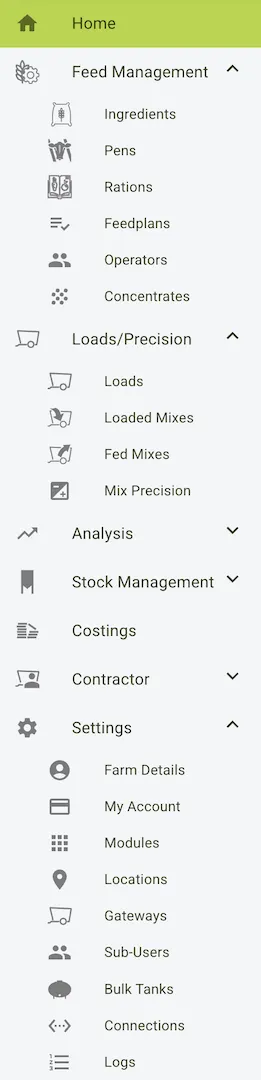
- Sidebar: The sidebar contains links to the main sections of the app, such as Dashboard, Feeding, and Settings. Each feature can be collapsed to save space while looking for other features.
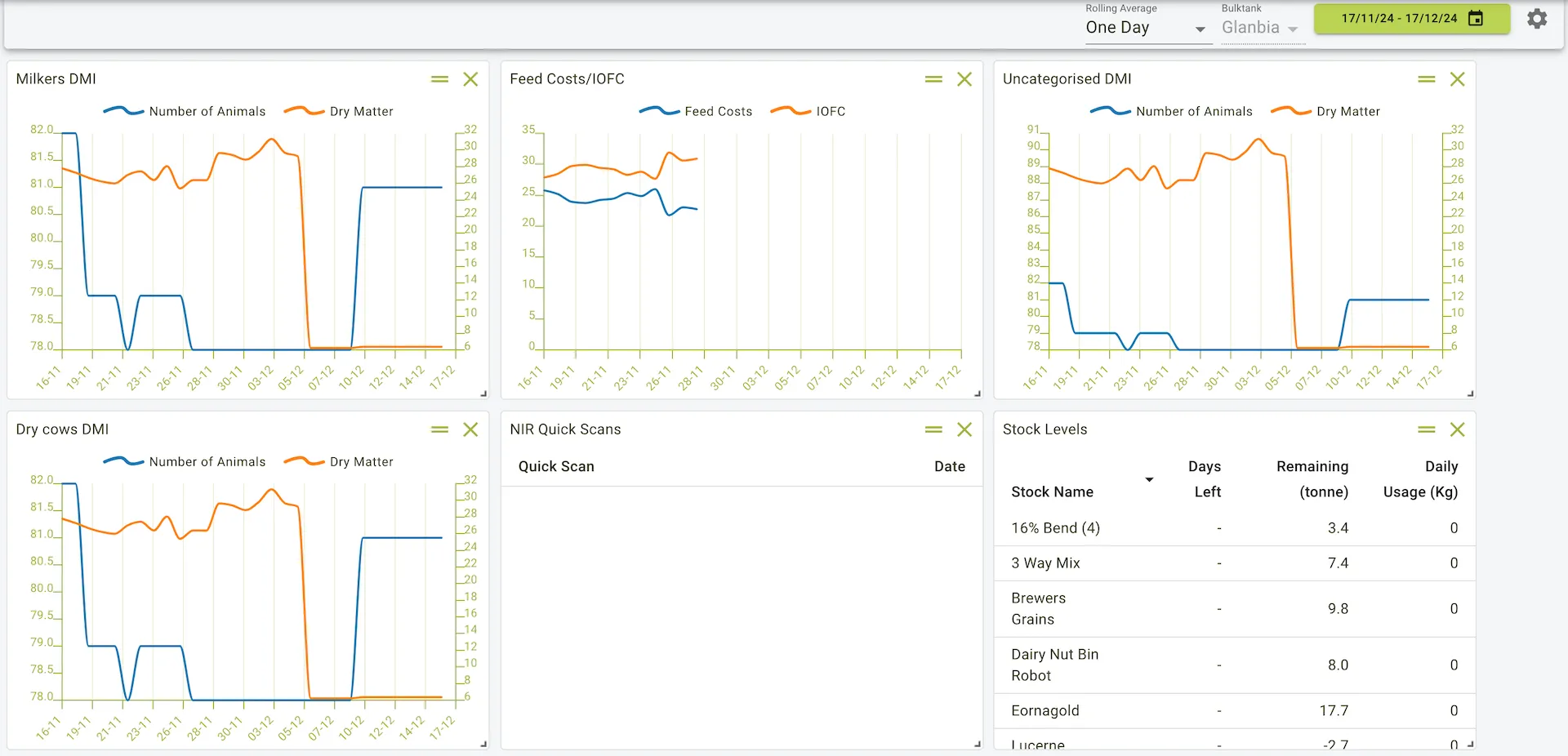
- Main content area: The main content area is where the main features of the app are displayed. It is responsive and adjusts to fit the screen size.
Header
The header is located at the top of the page and contains the following components:
- Farm selector: The farm selector allows you to switch between different farms if you have access to multiple farms.
- Theme mode toggle button: The theme mode toggle button allows you to switch between light and dark mode.
- Change log notification button: The change log notification button shows you the latest changes made to the farms data.
- Language select: The language select allows you to change the language of the app.
- User pop out: The user pop out allows you to view some user information like name and email, as well as the Logout button and the Terms of Service and Privacy Policy links.
Example view of the header

Sidebar
The sidebar is located on the left side of the page and contains links to the main sections of the app. It is always visible and can be collapsed to save space.
The sidebar is divided into several sections, each containing links to different features of the app. This is the main navigation area of the app and allows you to access different features quickly. You can collapse each section to save space while looking for other features.
Example view of the sidebar
Main content area
The main content area is where the main features of the app are displayed. It is responsive and adjusts to fit the screen size.
More information on the main content area can be found in the dashboard section.
Example view of the main content area