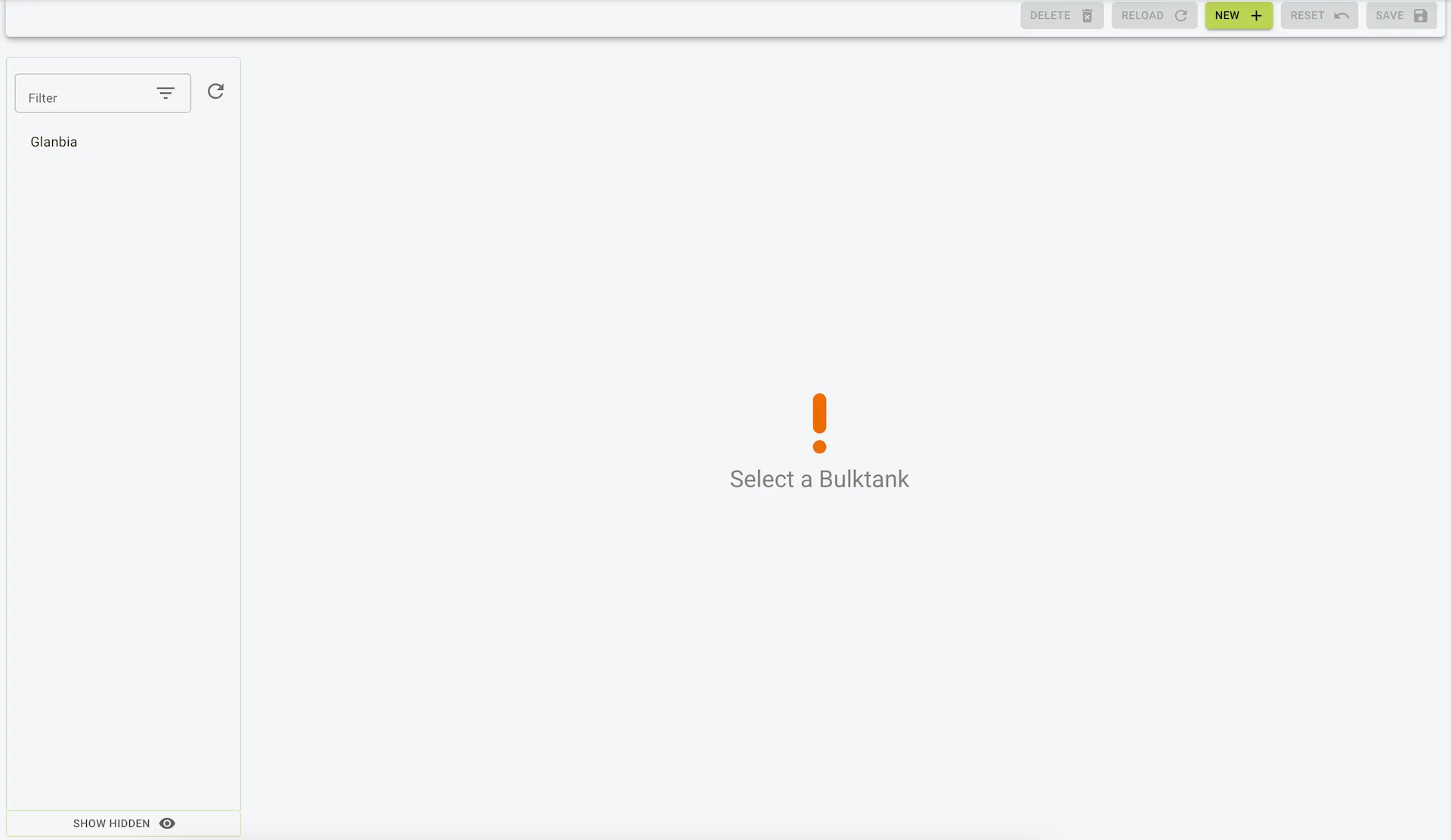
Bulk Tanks
Description
The Bulk Tank Settings page allows users to manage bulk tanks and associate specific pens with them. This section is essential for farms using bulk tanks to store milk, particularly for those integrating with external systems or manually entering milk data.
Features
- Manage Multiple Bulk Tanks:
- Add and manage multiple bulk tanks.
- Assign Pens to Bulk Tanks:
- Link pens to specific bulk tanks for accurate data tracking.
- Integration and Manual Entry:
- Configure bulk tanks for integration or manual entry of milk data using Cow Connect Manual Milk.
Fields and Columns
- Name:
- The name of the bulk tank (e.g., “1”).
- Default Unsold Milk:
- Quantity of unsold milk by default (e.g., 20 liters).
- Milk Processor:
- Indicates the processor used (e.g., “Manual Milk”).
- Change this to “Manual Milk” for manual data entry.
- External ID:
- The unique identifier for the bulk tank, required for integration with external systems.
- Set the External ID to “Manual” for manual milk entry.
- Bulk Tank Pen Details:
- Name: The name of the pen (e.g., “Third Set”).
- Number of Animals: Number of animals in the pen.
- Pen Type: Classification of the pen (e.g., “Young Stock”, “Milker”).
- Sub-Type: Further categorization of the pen type (e.g., “Pre Serving”, “High”).
Steps to Configure Bulk Tanks
- Add a New Bulk Tank:
- Click New to create a bulk tank.
- Enter a name and the default unsold milk quantity.
- Assign Pens:
- Use the Add/Remove Pens button to associate pens with the bulk tank.
- Milk Entry Setup:
- For Manual milk entry
- Enable the “Cow Connect Manual Milk” module if not already active.
- Change the Milk Processor field to “Manual Milk”.
- Set the External ID to “Manual”.
- For Integration
- Check if the module is available
- Contact support with required information
- For Manual milk entry
- Save Changes:
- Click Save to apply updates to the bulk tank settings.
Use Case
- Milk Data Management:
- Track milk quantities by associating pens with bulk tanks.
- Integration:
- Configure bulk tanks with external systems for seamless data flow.
- Manual Entry:
- Enable manual milk data entry for farms not using automated integrations.
Example view of bulk tanks