Gateways
Description
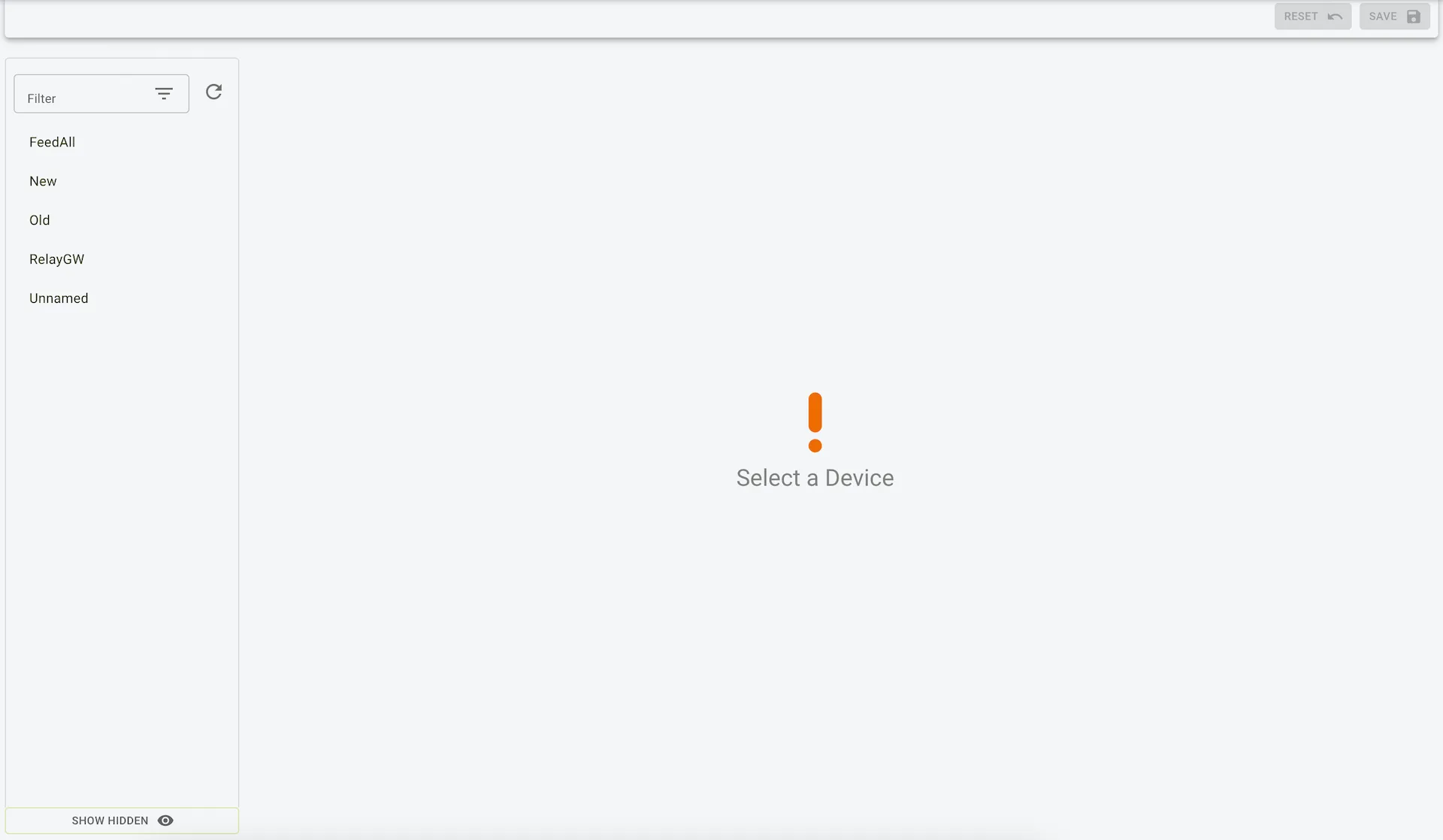
The Gateway Page displays information about the hardware gateways connected to the mixer wagon. This page helps users monitor and manage their connected gateways, providing essential details about firmware and hardware versions, as well as unique identifiers for each gateway.
Features
- List of Gateways:
- Displays all connected gateways in a sidebar for easy navigation.
- Gateway Details:
- For the selected gateway, the following information is displayed:
- Name: The name of the gateway (e.g., “FeedGw”).
- Firmware Version: The version of the gateway’s firmware.
- Hardware Version: The version of the gateway’s hardware.
- Box ID: A unique identifier for the gateway device.
- For the selected gateway, the following information is displayed:
- Actions:
- Save: Save any changes made to the gateway details.
- Reset: Revert any unsaved changes to the original values.
Fields
- Name:
- User-assigned name for identifying the gateway.
- Firmware Version:
- Indicates the current firmware version installed on the gateway.
- Hardware Version:
- Shows the hardware version of the gateway, useful for compatibility checks.
- Box ID:
- A unique alphanumeric code that identifies the gateway hardware.
Use Case
- Monitor Connected Gateways:
- Track firmware and hardware versions
- Troubleshooting:
- Use the Box ID and version details to communicate with support for resolving issues.
- Gateway Management:
- Easily manage multiple gateways connected to the system for seamless operation.
Example view of gateways