Locations
Description
The Location Page in the settings section helps users manage and track pens across multiple locations. This feature is especially beneficial for farms with operations spread across different physical locations, allowing for better organization and load-based record-keeping.
Features
- Create Locations:
- Add new locations to represent different farm sites.
- Manage Pens in Locations:
- Assign or remove pens from a specific location using the Add/Remove Pens button.
- Location View:
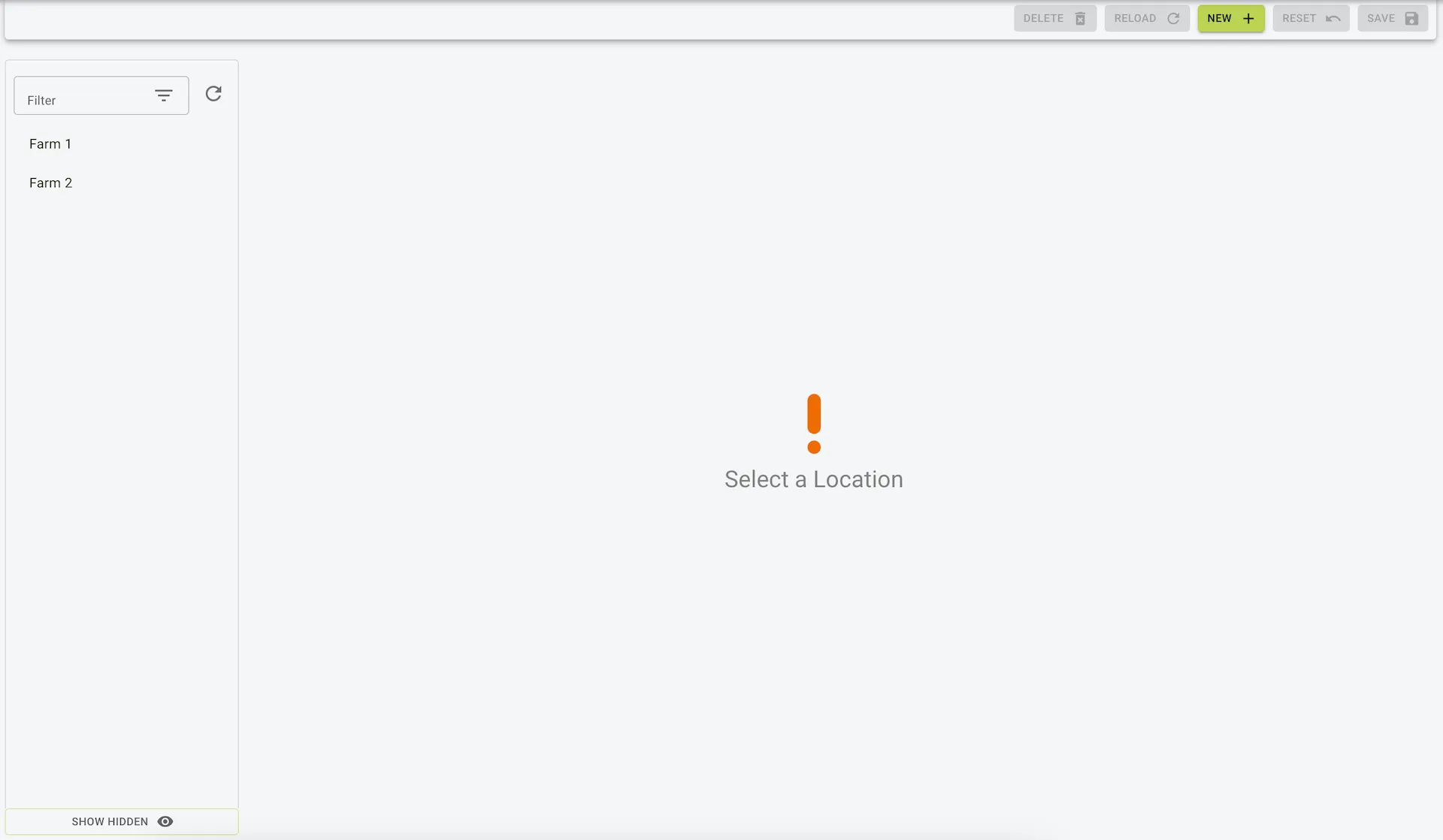
- A list of all created locations is displayed on the left sidebar for easy navigation.
- Selecting a location shows all associated pens and their details.
Fields and Columns
- Location Name:
- The name of the location (e.g., “Location 1”).
- Pen Details:
- Name: The name of the pen (e.g., “First Set”).
- Number: The number of animals in the pen.
- Type: The type of pen (e.g., “Beef”, “Dairy”).
- Sub-Type: Further categorization of the pen type (e.g., “Mid Fattening”).
Actions
- Add/Remove Pens:
- Modify the pens associated with a location by clicking the Add/Remove Pens button.
- Create New Location:
- Click New to add a new location.
- Delete Location:
- Use the Delete button to remove an unwanted location. Note that this action does not delete the pens but only the location grouping.
Use Case
- Organization:
- Manage pens by geographic location for farms with multiple sites.
- Customized Reporting:
- Generate location-based records for better analysis and management.
Example view of locations