Modules
Description
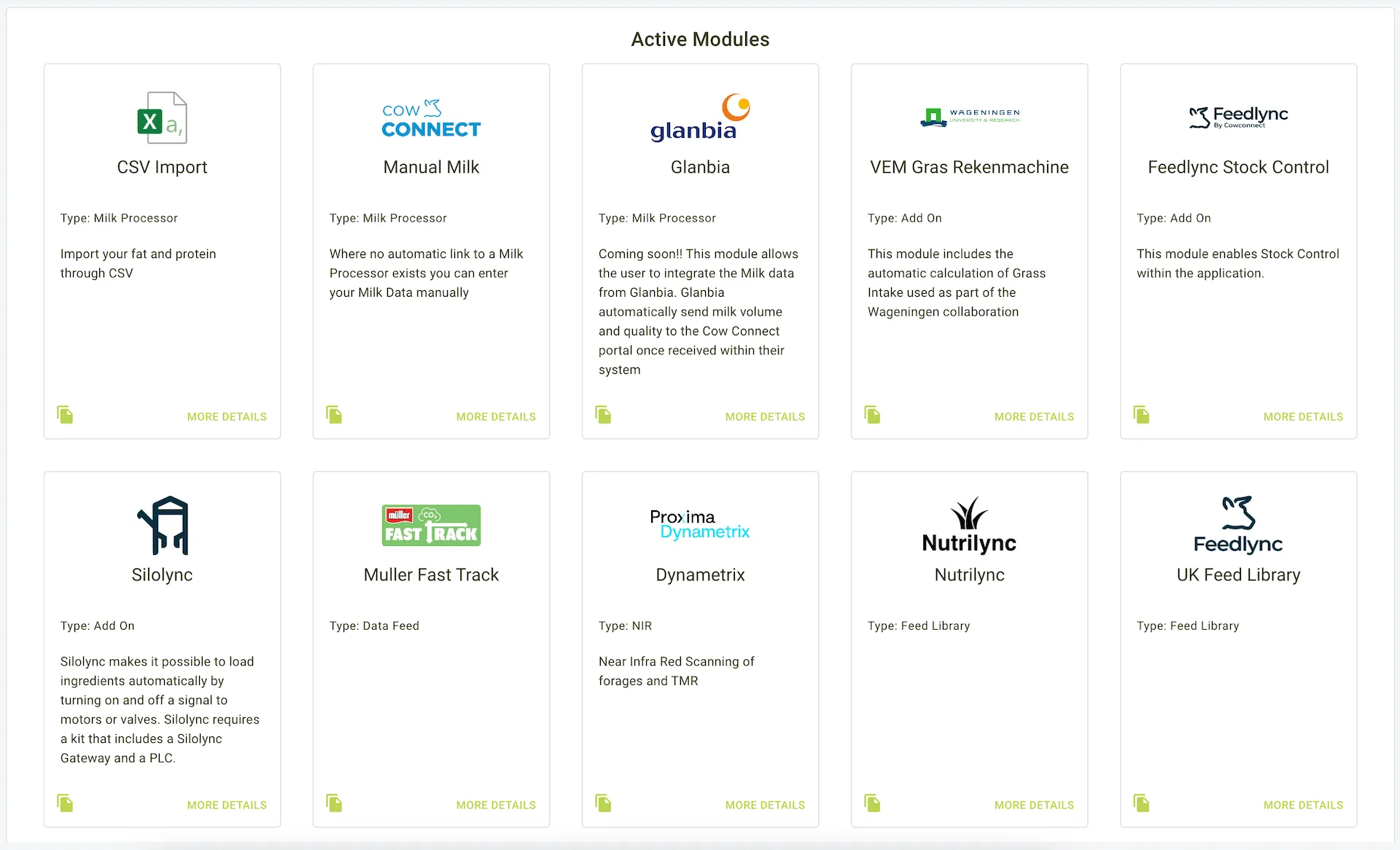
The Modules Page provides an overview of all available integrations in Feedlync. Farmers can browse, enable, or disable integrations that enhance the functionality of the platform. Each integration card contains essential details and management options.
Types of Integrations
Feedlync offers the following types of integrations:
- Formulation Software: .
- Herd Management: Systems to monitor and manage herd health and productivity.
- Milk Processor: Integrations to sync with milk processing data.
- NIR (Near Infrared Reflectance): Tools for analysing feed composition.
- Add-On: Additional functionalities to extend system capabilities.
- Data Feed: Services for importing or syncing external data.
- Feed Library: Access to standardized feed ingredient data.
Integration Cards
Each integration is displayed as a card containing the following options:
1. More Details:
- Clicking this option provides detailed information about the integration, including:
- Overview of the integration’s functionality.
- Steps to enable or configure the integration.
2. View Details:
- When selected, the following additional actions become available:
- Enable/Disable:
- Enable the integration to activate its functionality within the system.
- Disable the integration if it is no longer required.
- Close:
- Exit the detailed view without making changes.
- Enable/Disable:
Example view of modules