Fields
Description
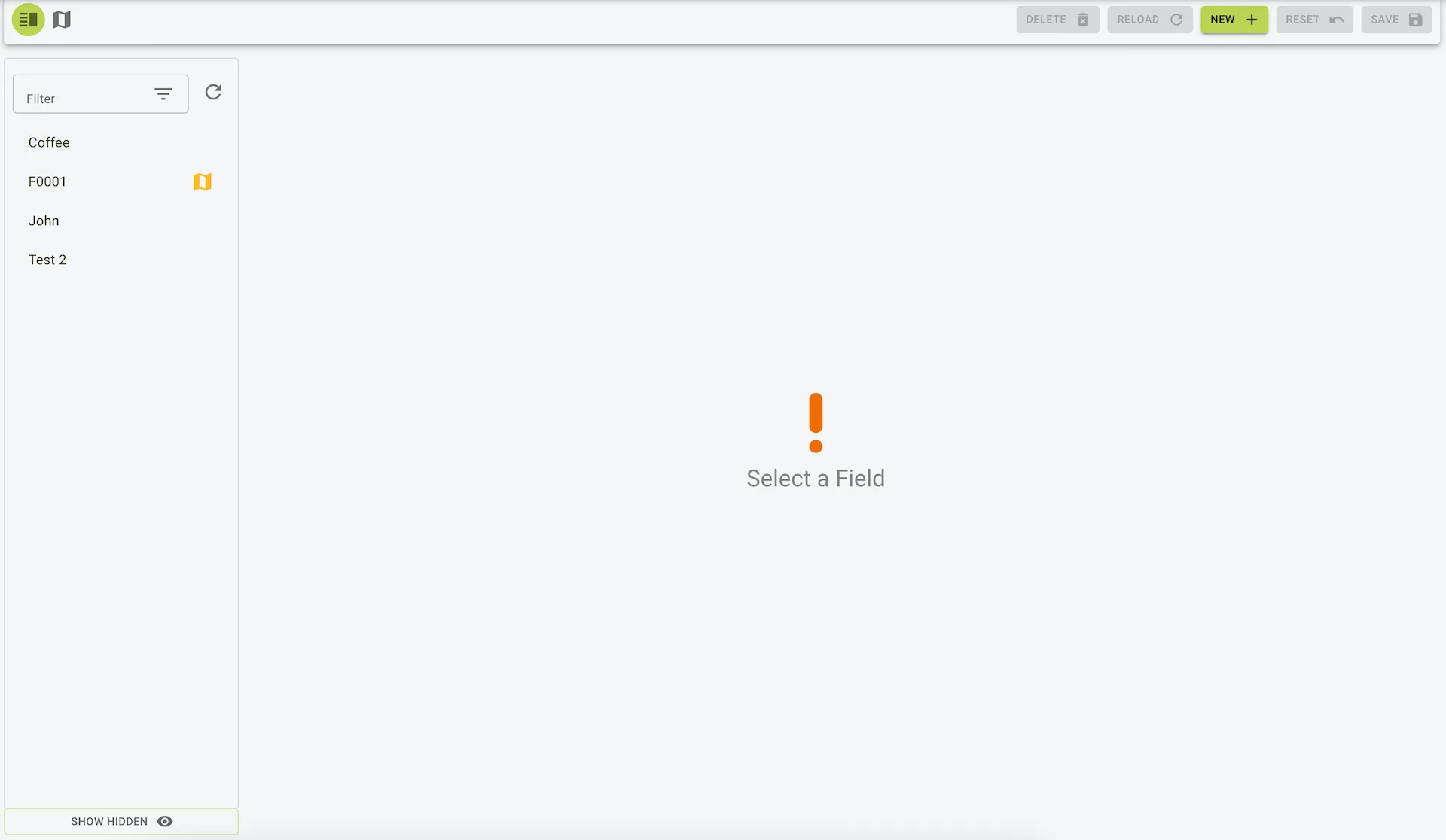
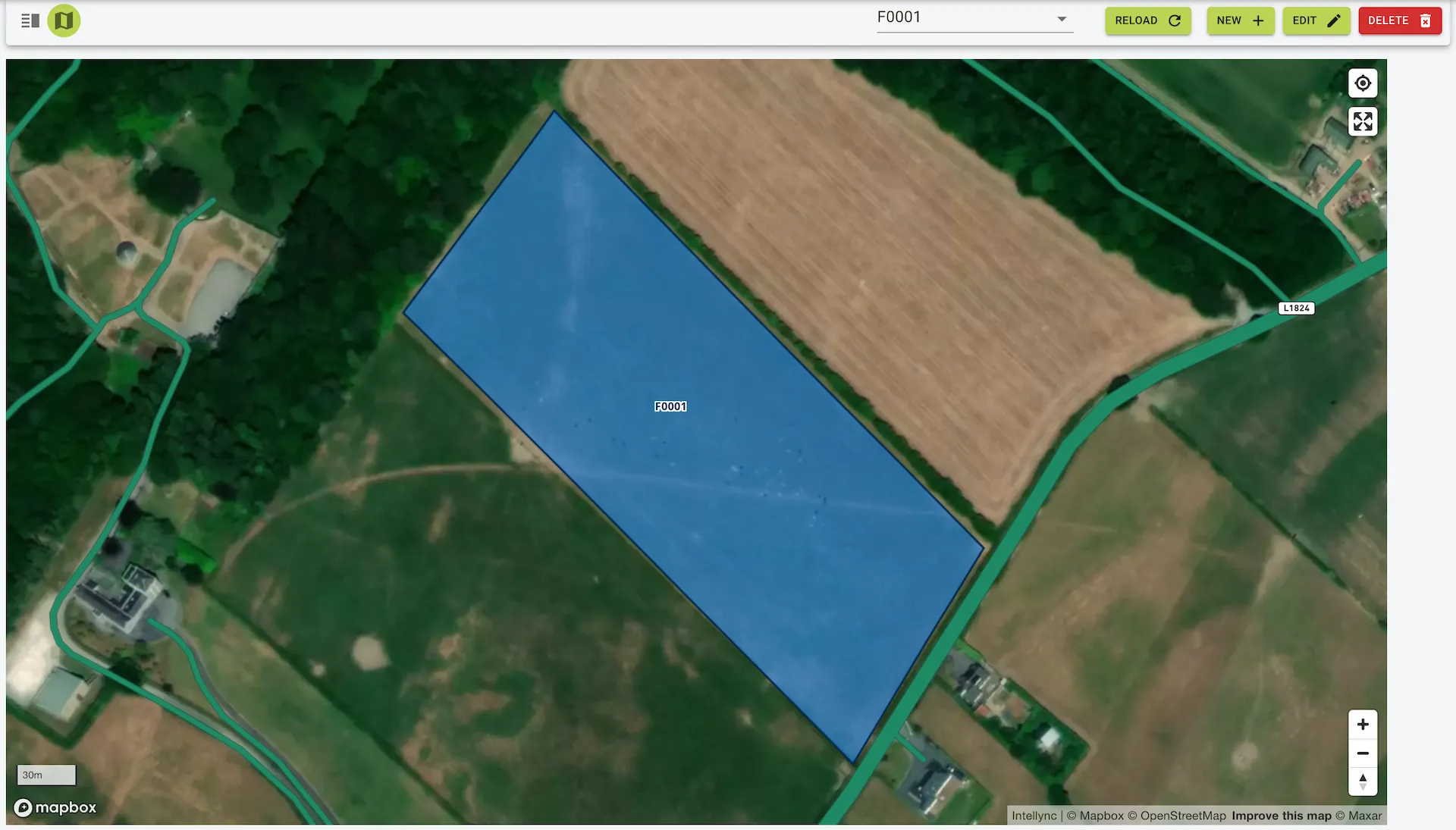
The Fields page is where you can view and manage the fields. You can add, edit, and delete fields as needed. You can also view the fields in a map or menu view.
Features
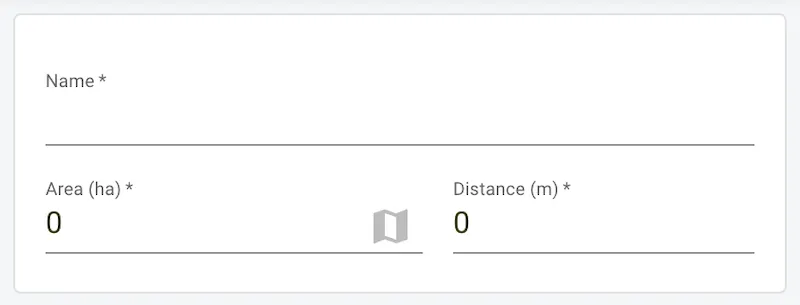
- Core information about the field can be edited here.
- Fields include:
- Name: Field name.
- Area: Field area in hectares (ha).
- Note: The area is calculated based on the field’s boundary and can be recalculated from the map view.
- Distance: Distance from the farm in meters (m).
Integration and Use Cases
- Cow Connect Stock Control:
- This module enables the field features within Stock Management.
Example view of the fields page
Adding an field
To add a field:
- Click the
Newbutton on the toolbar. - Enter the field details.
- Click the
Savebutton on the toolbar to save the fields.
- Click the
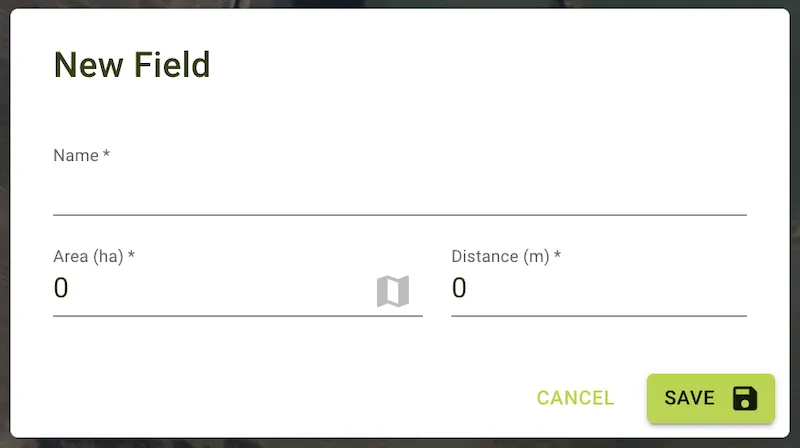
Newbutton on the toolbar. - Enter the field details in the panel that pops up.
- Click the
Savebutton on the panel to save the fields.
Example view of the new field form