How to sign up to Feedlync
Introduction
This guide will walk you through the process of signing up process on Feedlync.
Step 1: Open the Feedlync website
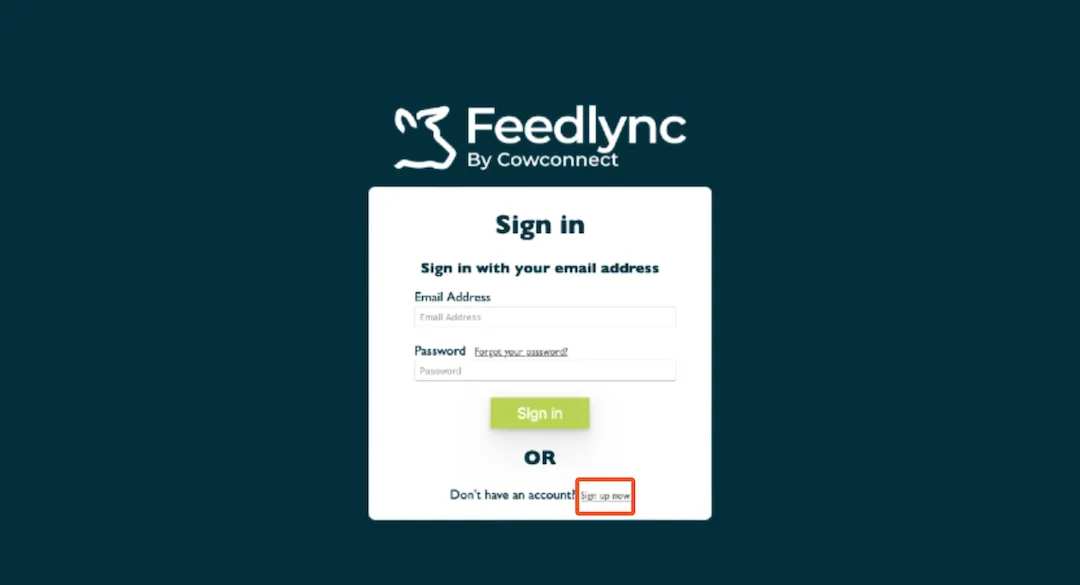
Open your browser and go to Feedlync and select the Sign up now link.
The email address you provide in the next step will also be your username for the application. Please try to choose a business email address if possible, rather than one belonging to an employee. Changing the email at a later stage can cause significant loss of data.
Step 2: Verify your email address
You will be requested to verify your email address. Please fill out the field email address and press Send verification code. The rest of the fields are not required for now.
The six digit code will be sent to the given email address from Microsoft on behalf of AB Agri. If you can not find it in your inbox please check your spam folder.

Step 3: Enter the verification code
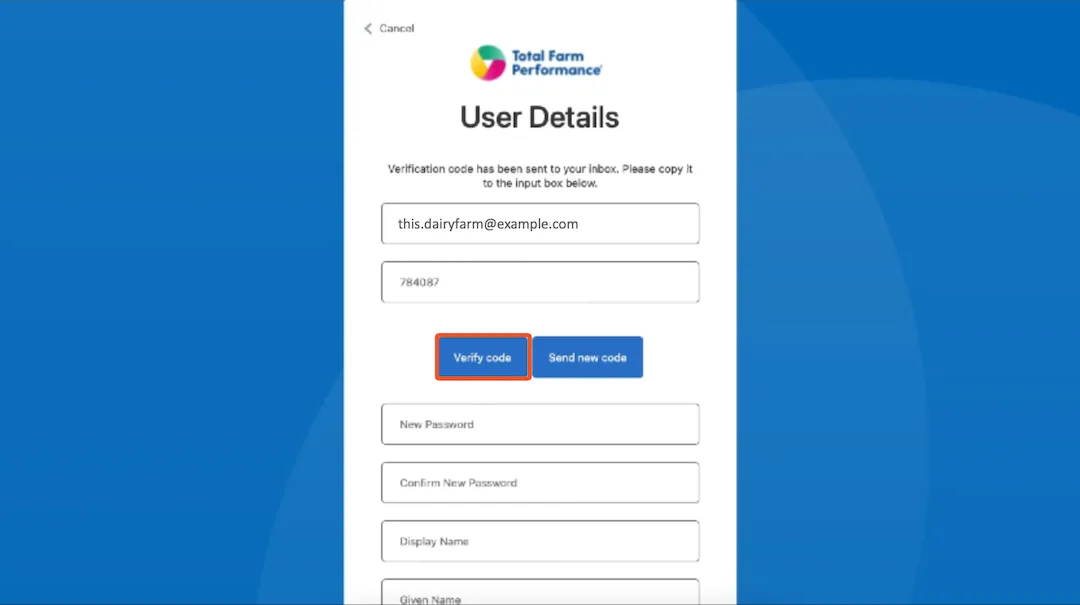
Enter the six digit code you received in your email and press Verify code.
Step 4: Set your password
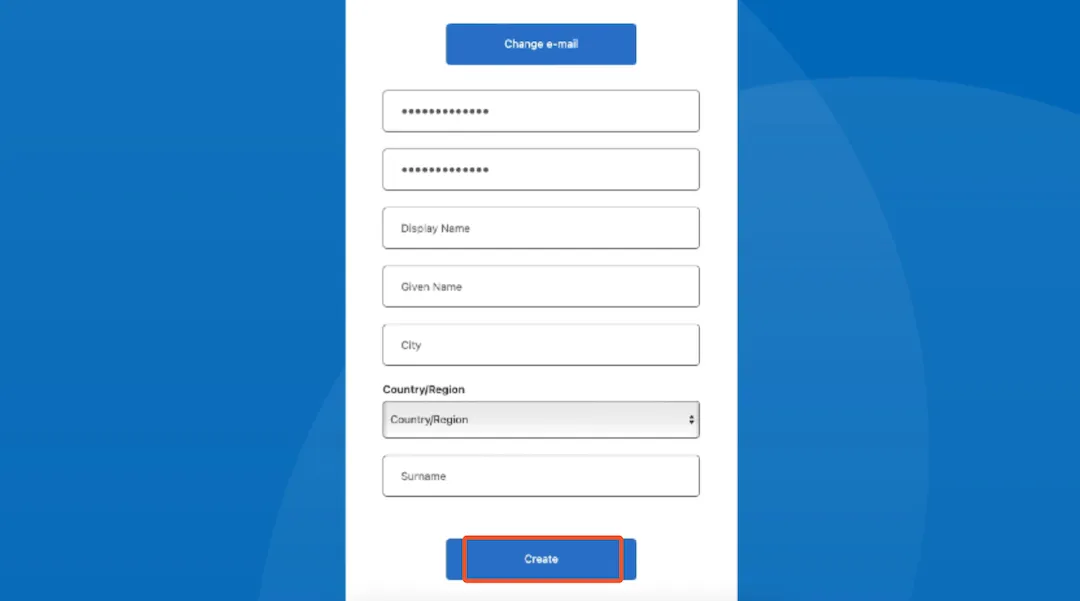
After your email is verified please create a password for your account. A valid password needs to fulfil the listed criteria.
Your password must be at least 8 characters long and contain at least one uppercase letter, one lowercase letter, one number and one special character.
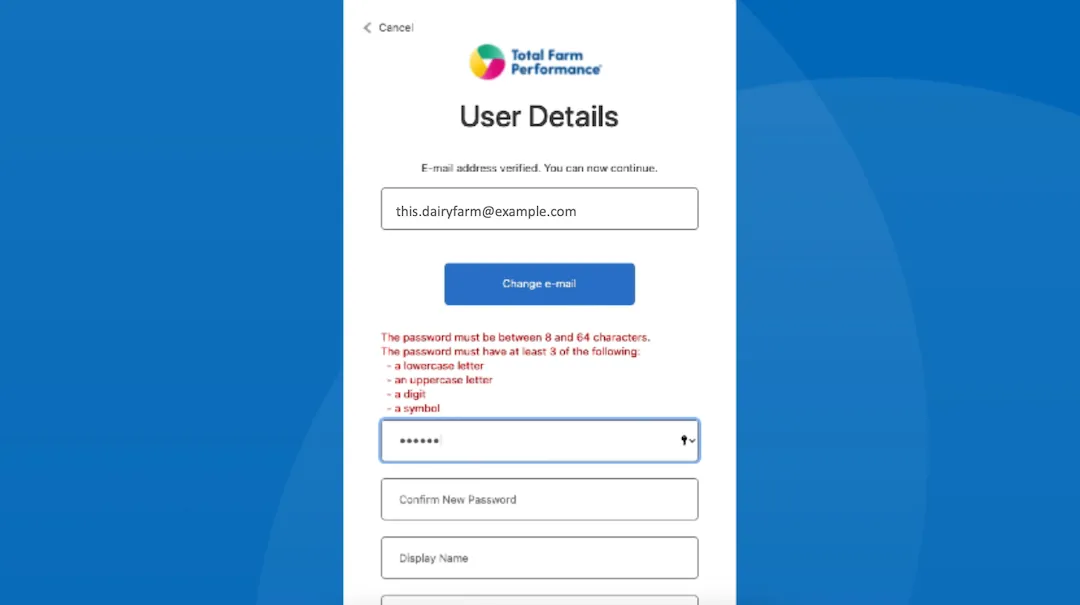
Add your farm/company invoice name under Display name. Please fill in the fields City and Country too. You are now ready to create your profile.
Step 5: Sign in
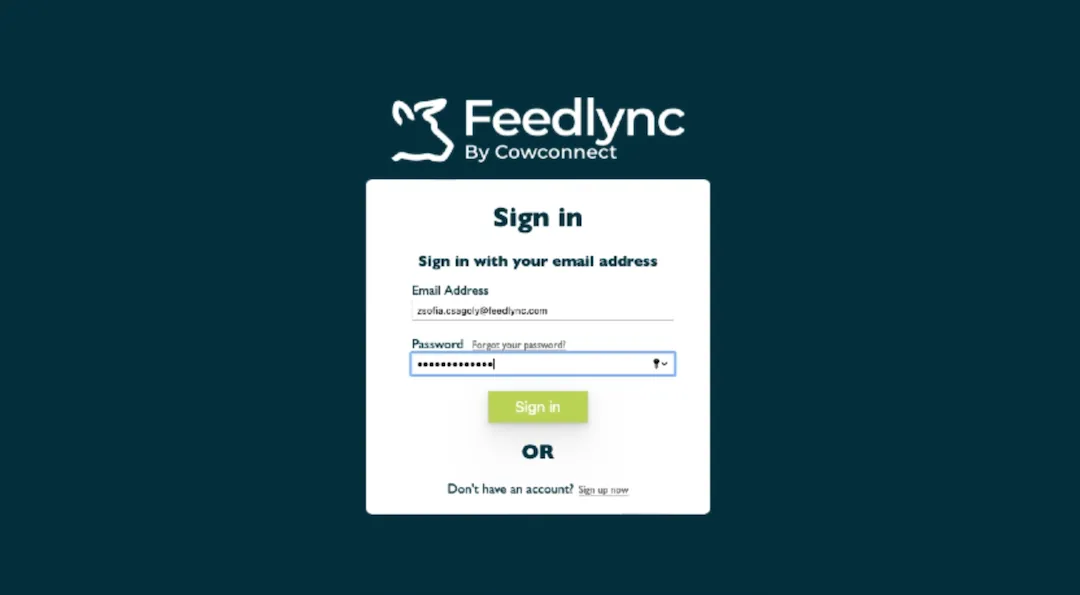
After you have created your account you will be redirected to the login page. Please enter your email address and password to sign in. Welcome to Feedlync!