How to add an operator on mobile
Introduction
The Operators feature in Feedlync allows users to add and manage operators. This guide explains how to add an operator on mobile.
Adding an operator
-
Open the Feedlync mobile app and log in to your account.

-
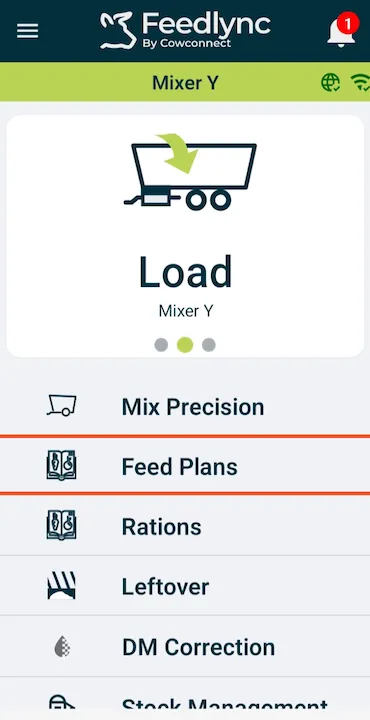
Select the Feedplans option from the list.
-
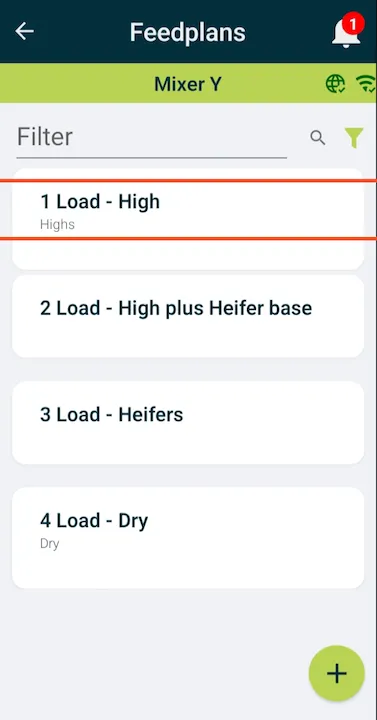
Pick the feedplan you would like to mix.
-
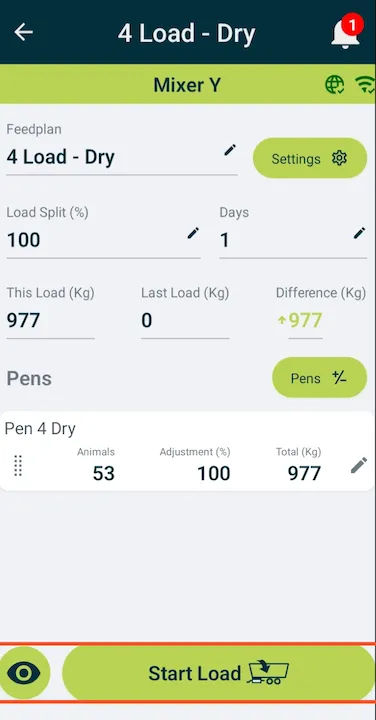
Press Start Load when ready to start the mix.
-
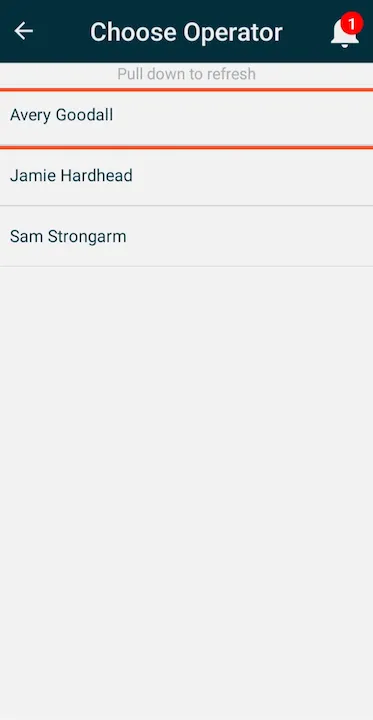
Choose the operator making the mix.
-
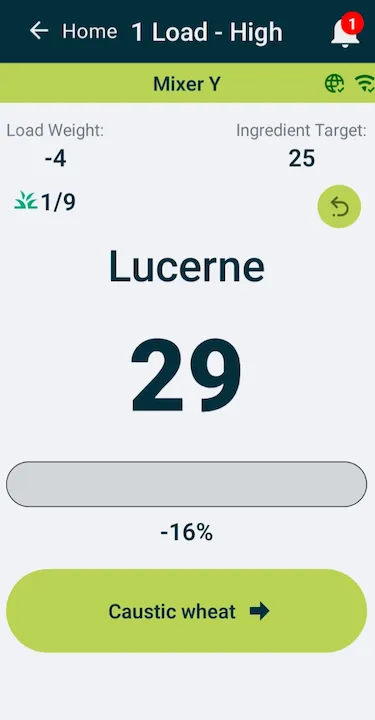
Ready to load the first ingredient.
-
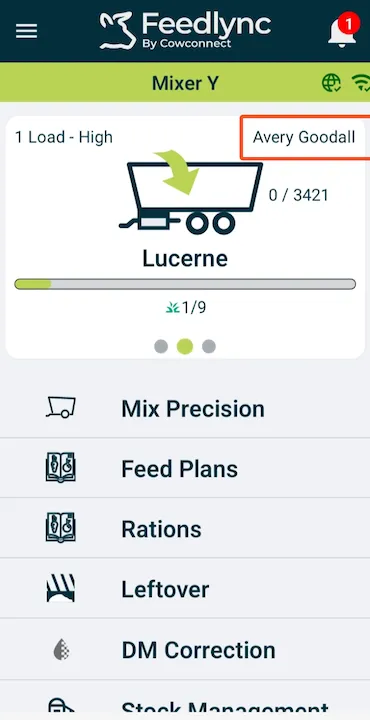
The name of the operator will be visible on the other devices.