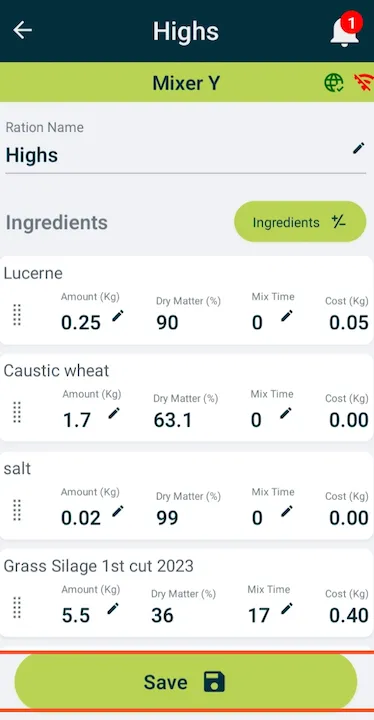
How to add a mix time for ingredients
Introduction
The Adding Mix Time for Ingredients guide in Feedlync helps users to add mix time for ingredients in the mobile app.
Adding mix time for ingredients
-
Open the Feedlync mobile app and log in to your account.

-
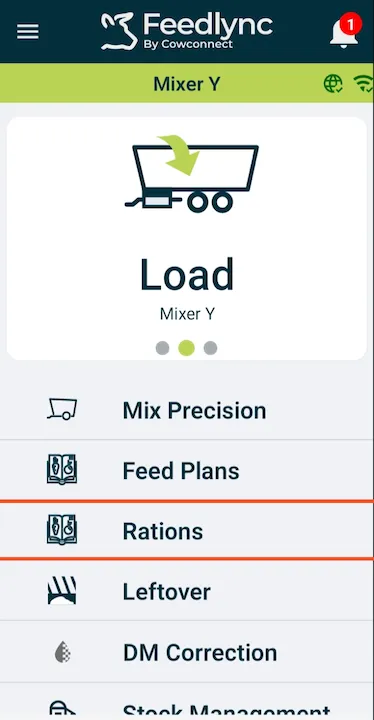
Select the Rations option from the list.
-
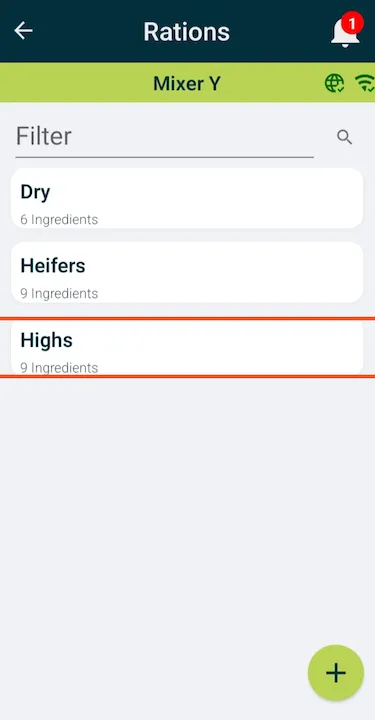
Pick the ration you would like to mix.
-
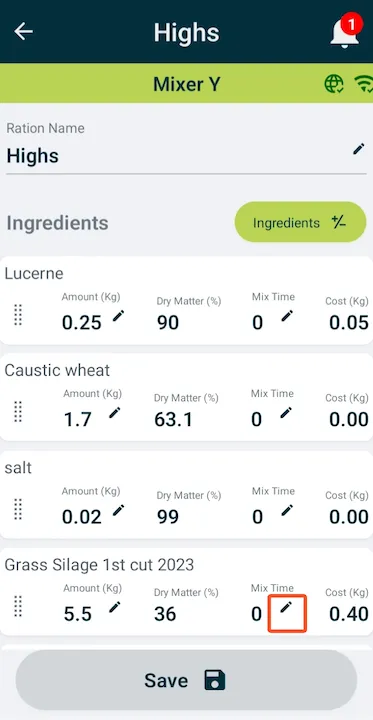
Click the pencil icon next to the mix time to edit it.
-
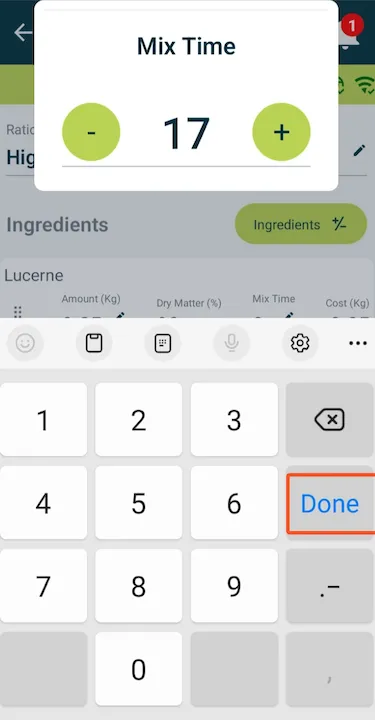
Use the minus and plus buttons to adjust the mix time.

-
Or tap the field and type in the minutes with the keypad.
-
If all mix times are correct, press Save to save changes.