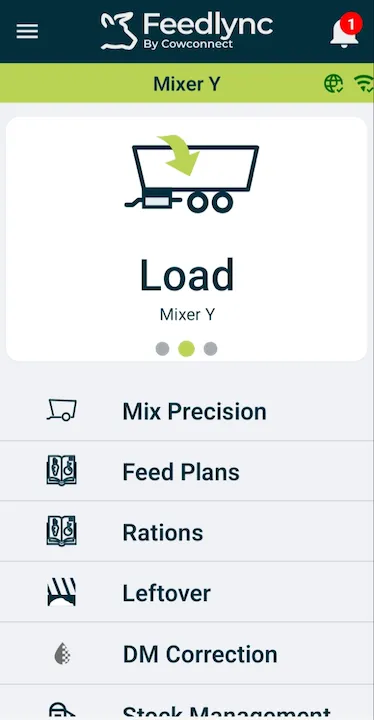
How to calibrate the Feedlync system and wagon
Introduction
This guide will walk you through the process of calibrating the Feedlync system and wagon.
Calibrating the Feedlync system and wagon
-
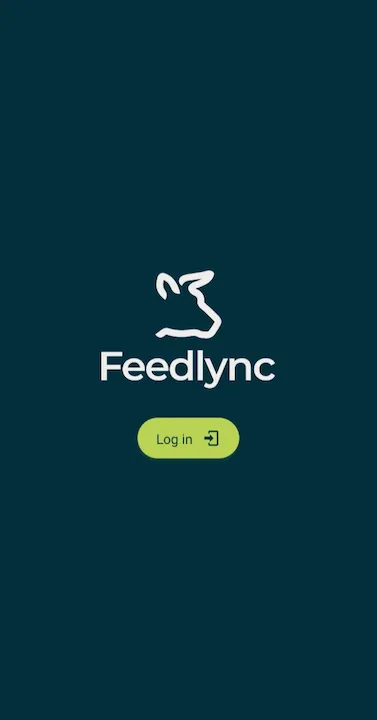
Log in to the Feedlync application.
-
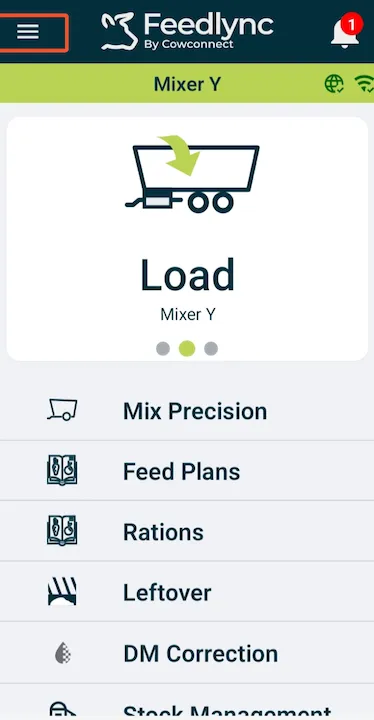
Tap the menu icon.
-
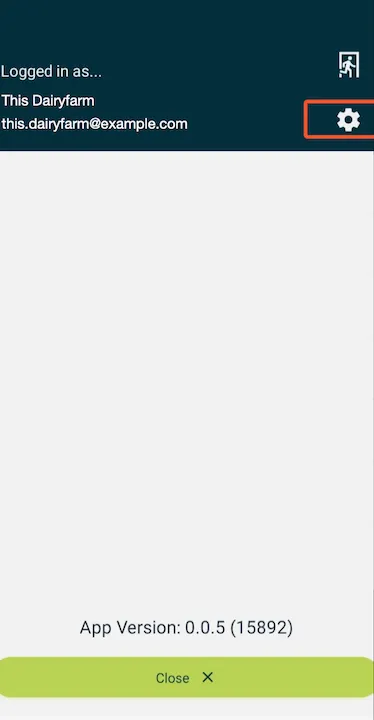
Select the cog icon.
-
Then choose
Device Settings.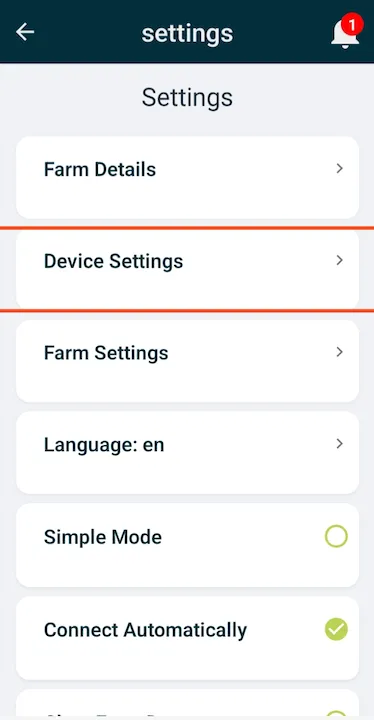
-
Ready to calibrate the device.
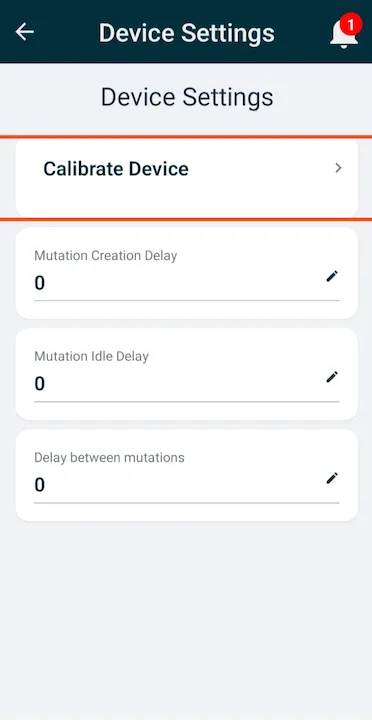
- Get Empty Uvolt. Hang a Test Load on the wagon.
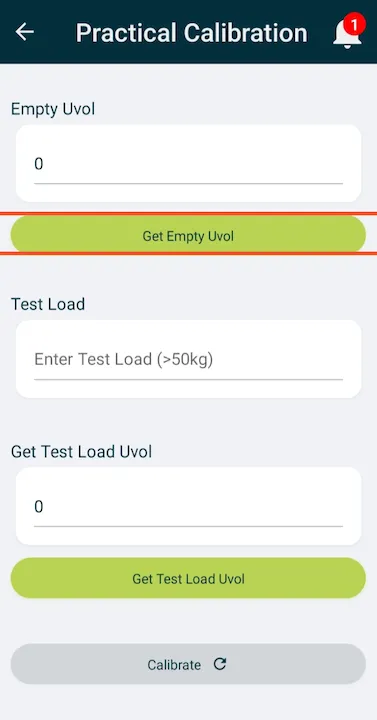
-
Get Test Load Uvolt, and press
Calibrate.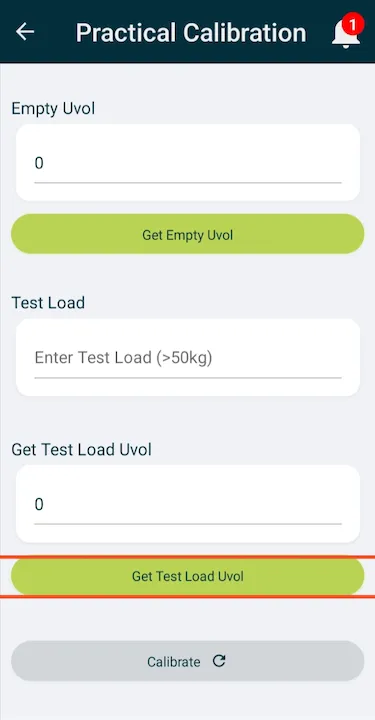
-
Calibration done.

-
You can now start using the Feedlync system and wagon.