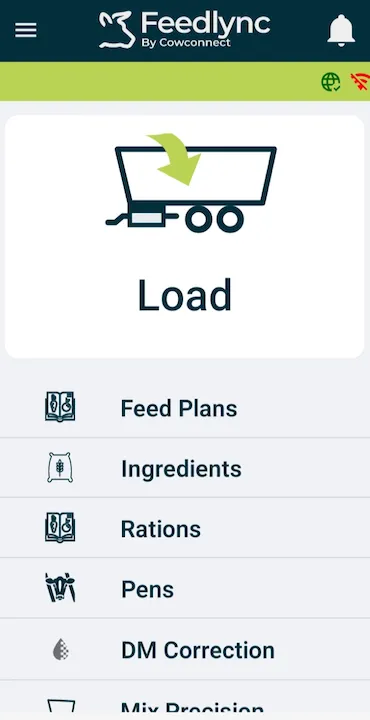
Getting started on Android devices
Introduction
The Getting Started guide in Feedlync helps users to set up their account and start using the app. This guide explains how to get started on Android devices.
How to download the app on your Android devices and get started
-
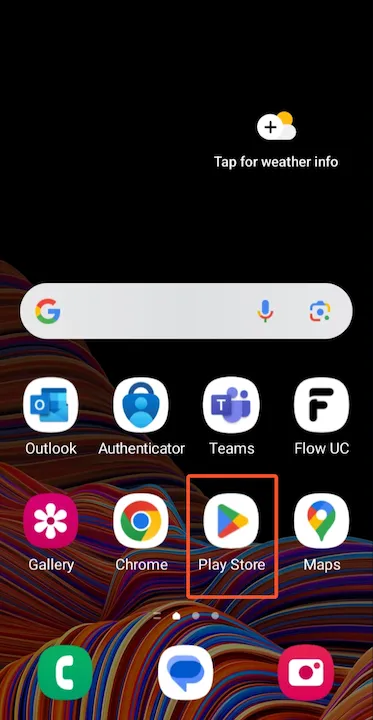
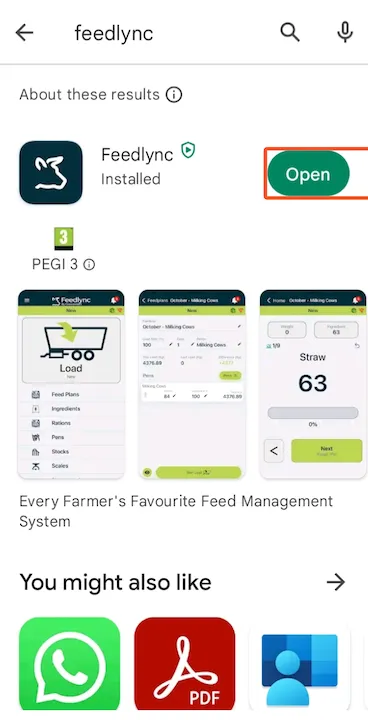
Open the Google Play Store on your Android device.
-
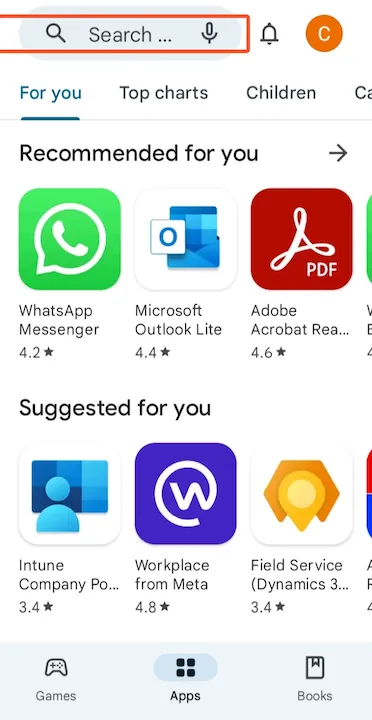
Search for Feedlync in the search bar.
-
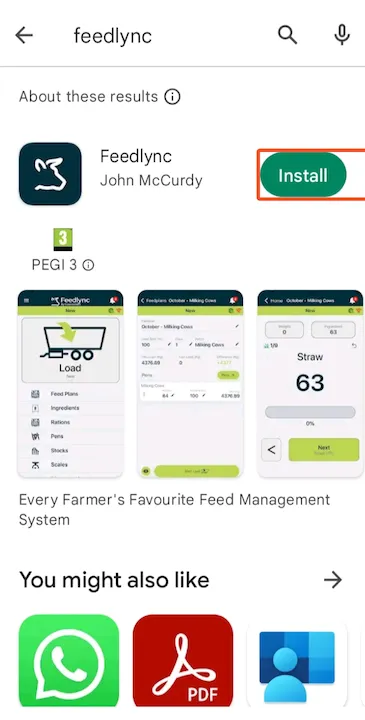
Click the Install button to download the app.
-
Once the app is installed, click the Open button to launch the app.
-
Tap
Log in.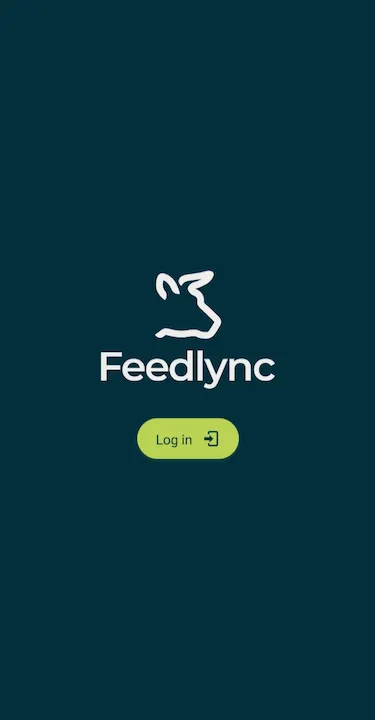
-
Enter your Username and Password and tap
Sign in.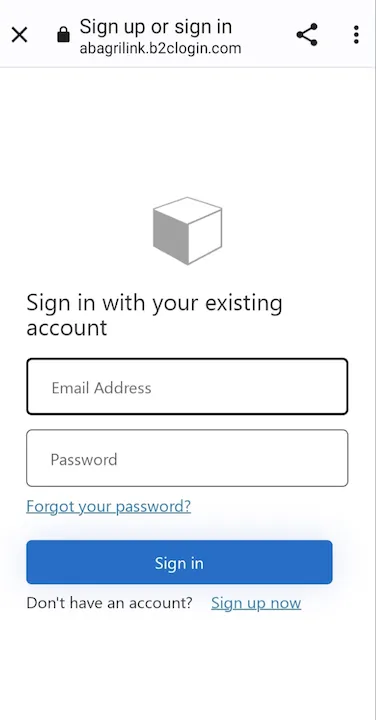
-
You should now be logged in and ready to use the Feedlync app.
For the app to work properly, please make the following changes to your settings
-
Allow Feedlync to access your location: Feedlync needs to access your location to provide accurate location information. To enable this, go to your device’s settings and allow Feedlync to access your location. Or when notified by the app, tap
While using the app.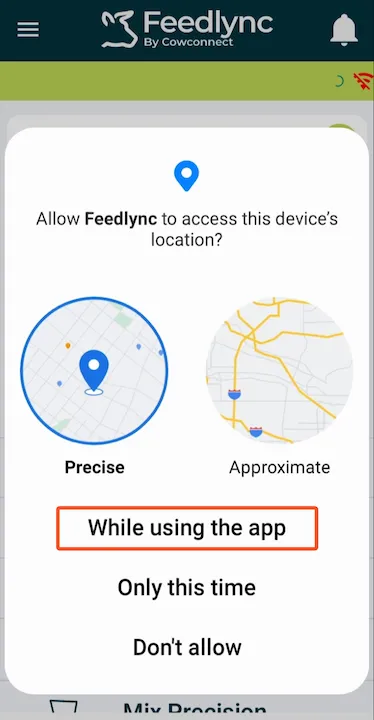
-
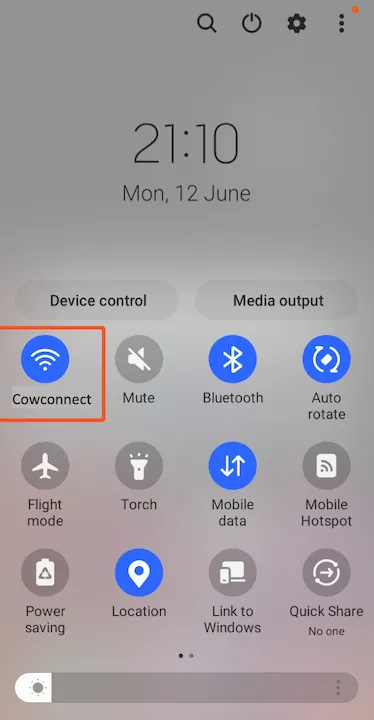
Check if you are connected to the right network.
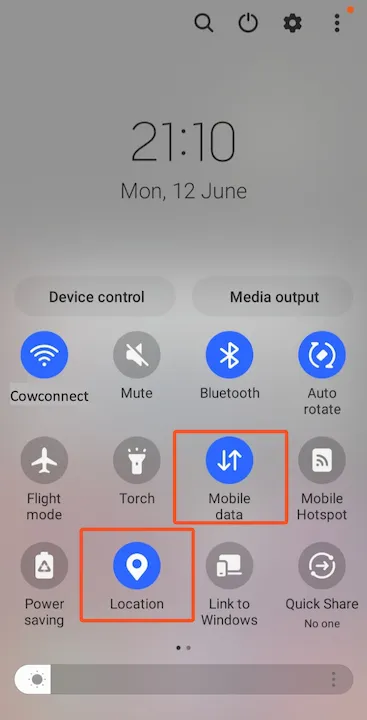
- Check that your mobile data is on and location services are enabled.
- You are now ready to use the Feedlync app on your Android device.