

How to register residual feed
Introduction
The Register Residual Feed guide in Feedlync helps users to register residual feed in the mobile app.
How to register residual feed in the mobile app
-
Open the Feedlync mobile app and log in to your account.
-
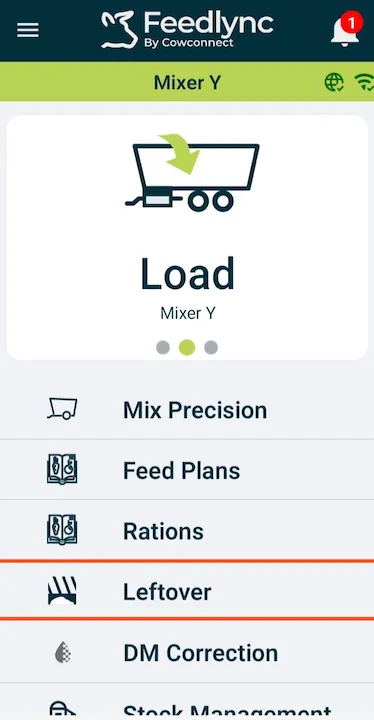
Select the Leftover option from the list.
-
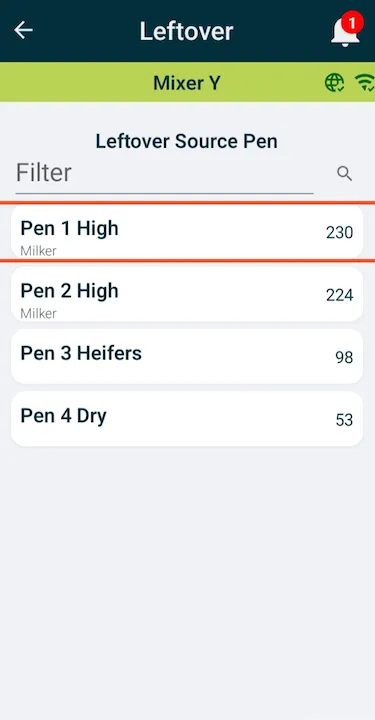
Choose the pen that the residual feed comes from.
-
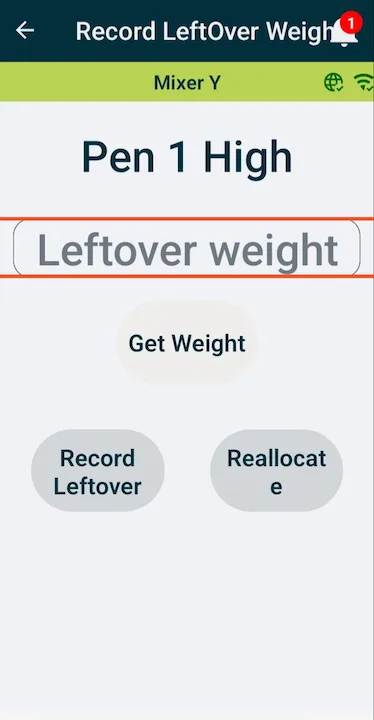
Type in the weight or get weight from the wagon.
-
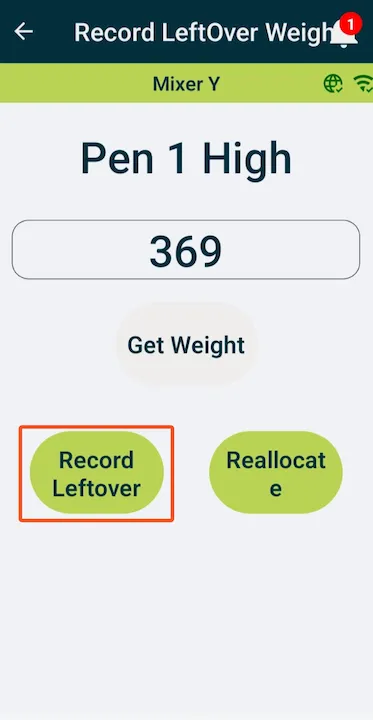
If the leftover is going to waste or will become part of a ration, press the Record Leftover button.
-
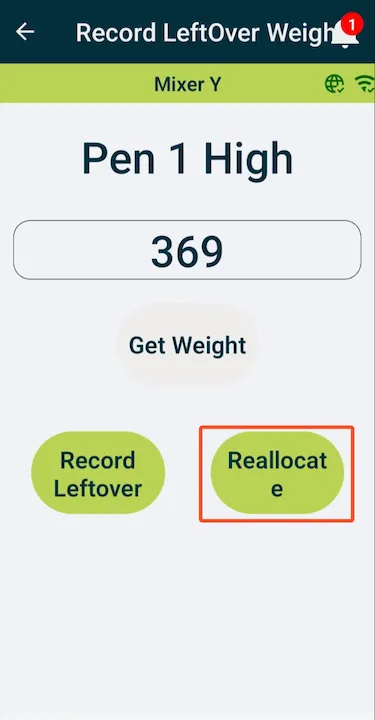
If the leftover is going to be manually transferred to another pen, press the Reallocate button.
-
Choose the destination pen to receive the manually reallocated feed.
