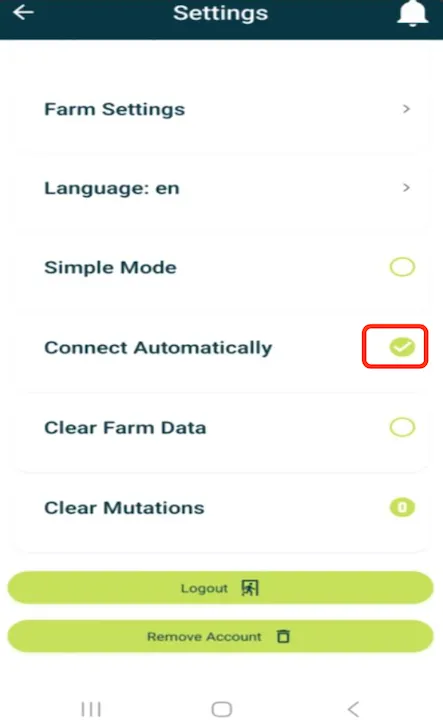
How to turn on Bluetooth on mobile app
Introduction
The Bluetooth feature in Feedlync allows users to connect to other devices. This guide explains how to turn on Bluetooth on the Feedlync mobile app.
Turning on Bluetooth
-
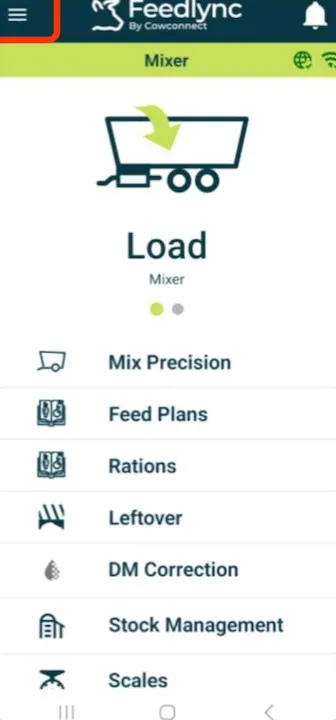
Log on to the Feedlync app and select the menu on the top right-hand side of the screen.
-
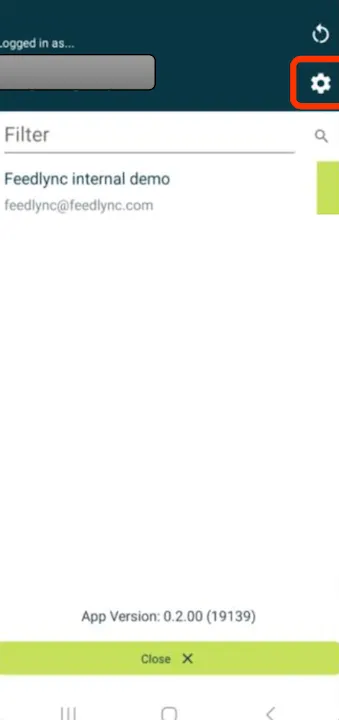
Select the settings cog on the top right.
-
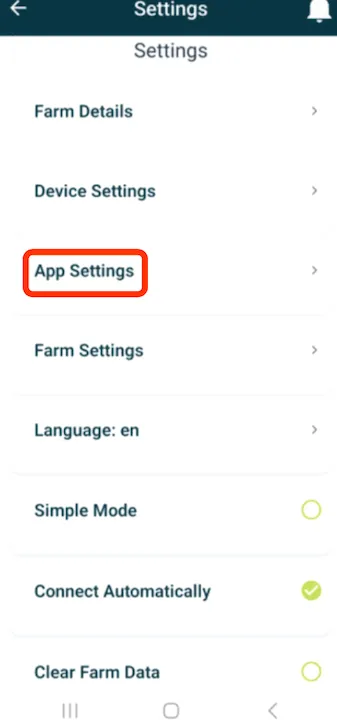
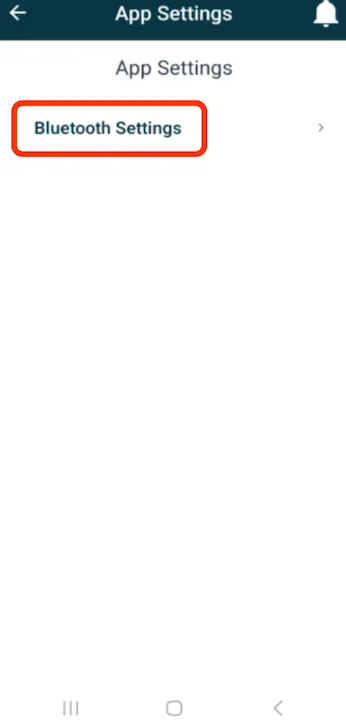
Select App Settings.
-
Select Bluetooth Settings.
-
Please toggle on the correct option, as advised bySupport.
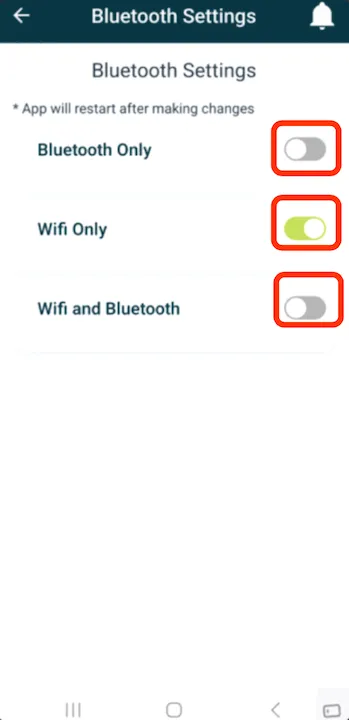
- Once Bluetooth is activated, the symbol on the app will change to the Bluetooth symbol.